Airlines are taking seat-back screens out of economy cabins because the hardware is heavy, costly to install and maintain, quick to date, and because most passengers now carry a screen of their own. That was the story through the late 2010s. The twist is that it has partly reversed: American Airlines has said it will put screens back across much of its narrowbody fleet, with USB-C power and Bluetooth pairing at every seat.
So the honest answer to why airlines are removing seat back screens is not that passengers hate them. It is that a monitor in every seat is a lot of mass, wiring and licensing spend to serve a habit that most travellers now bring with them.
Table of Contents
- What Is Happening to Airline Seat-Back Screens?
- Why Airlines Are Removing Seat Back Screens
- The Business Decisions Behind the Shift
- Why Airlines Are Removing Seat Back Screens on Certain Fleets
- What Passengers Get Instead
- Are Removed Seat-Back Screens Good or Bad for Travelers?
- Which Flights Are Most Likely to Have Seat-Back Screens?
- How to Prepare When Your Flight Has No Seat-Back Screen
- Frequently Asked Questions
- Are airlines eliminating all seat-back entertainment systems?
- Why do some aircraft still have seat-back screens while others do not?
- Do airlines provide free entertainment when there is no seat-back screen?
- Will removing seat-back screens make flights cheaper?
- Can I still watch movies on a flight without a seat-back screen?
- What Passengers Should Do First
What Is Happening to Airline Seat-Back Screens?
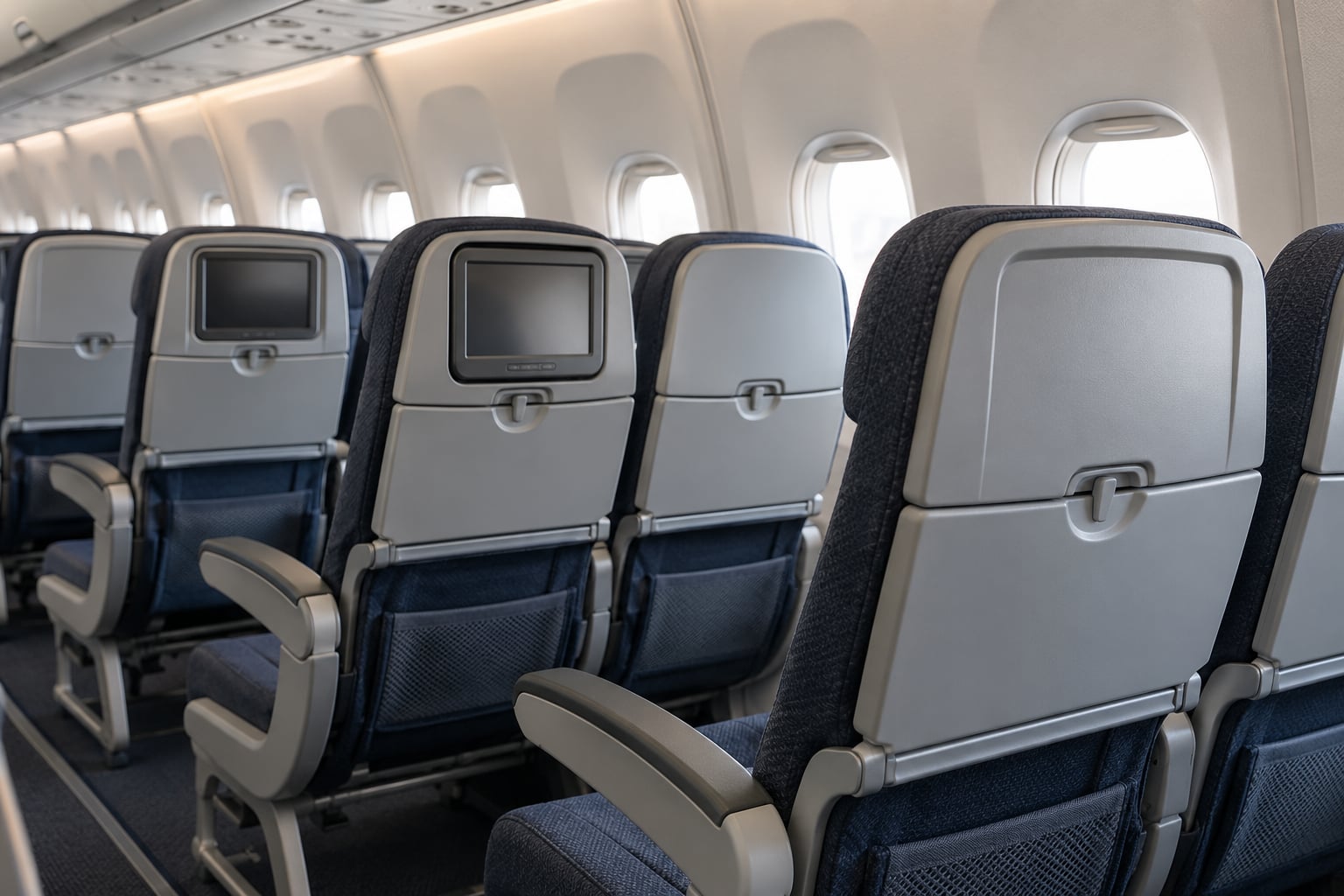
A seat-back screen is the monitor built into the back of every seat, and the whole system is usually called in-flight entertainment, or IFE. It decodes a video signal in the cabin, draws power, and shows movies, TV channels and a moving map of the flight.
The important word here is selective. No major airline is stripping screens out of every aircraft. What is happening is a phased reversal that started on specific fleets and specific cabins, and it is uneven across the industry in 2026.
Narrowbody aircraft, the single-aisle jets like the Boeing 737 MAX and Airbus A321 that carry most short and medium haul traffic, are where screens disappeared first. Widebody aircraft, the twin-aisle long-haul types such as the Boeing 787 Dreamliner, mostly kept them, because a passenger on a ten hour flight is exactly the passenger who used the screen.
Removals also happened at the seat level rather than the aircraft level. On some routes, business class kept larger screens while economy lost them entirely, which is where a lot of the passenger anger came from.
Why Airlines Are Removing Seat Back Screens
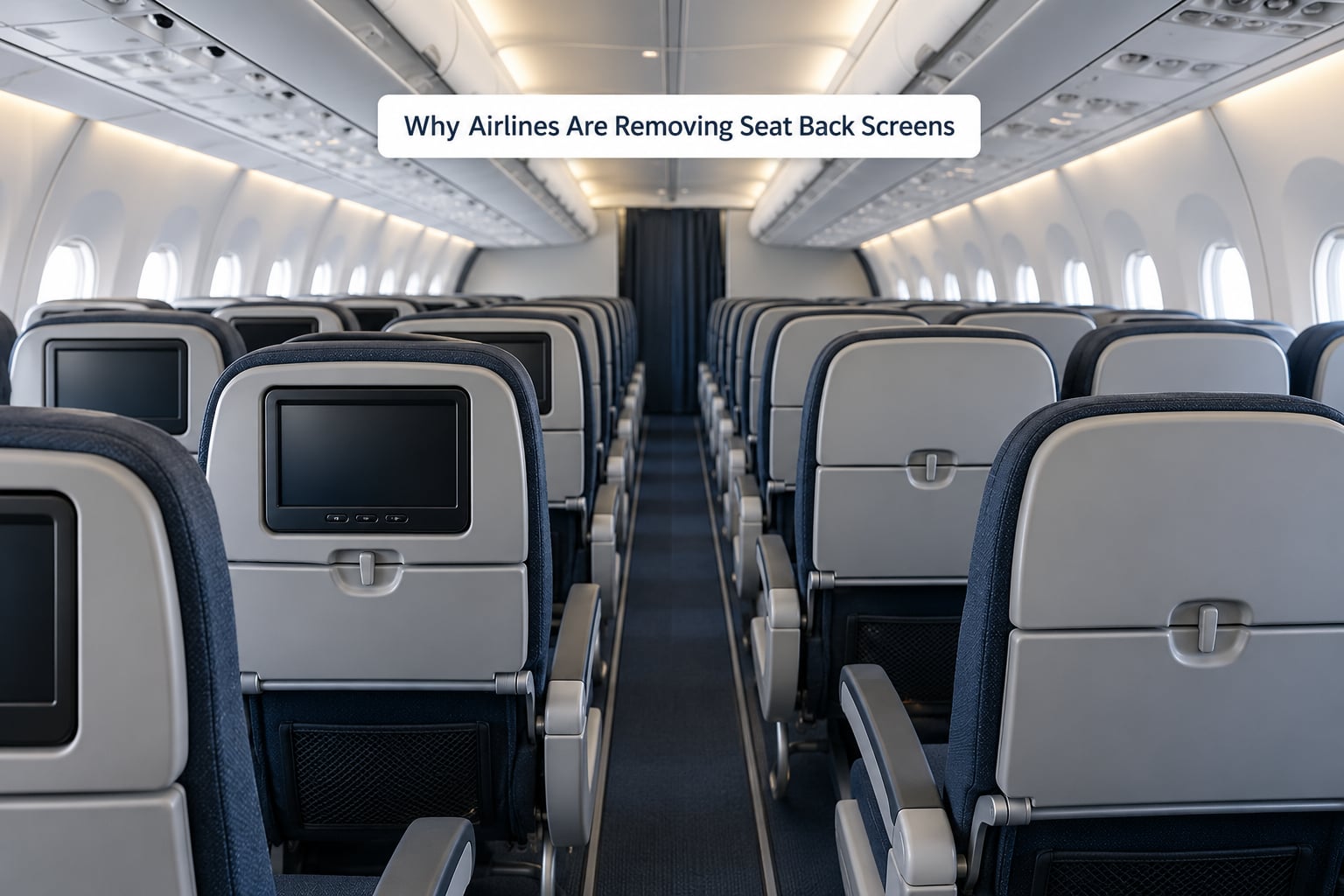
Airlines removed seat-back screens for five connected reasons, and they add up to a business case rather than a single complaint about passengers.
- Weight and fuel. A screen, its housing and the wiring behind it add mass to every row. On a full narrowbody that mass shows up in fuel burned on every single flight, forever.
- Installation cost. Fitting out a cabin with entertainment hardware is expensive per seat, and it is a factory decision that is very hard to undo later.
- Maintenance and reliability. IFE is a complex technical system wired through the cabin, and it fails. Faults turn into swap spares, cabin time and complaints.
- Content licensing. The films and shows on the screen are licensed, not owned. That is a recurring cost for content that sits unused on a two hour hop.
- Bring-your-own-device behaviour. Airlines report very high rates of passengers travelling with their own phones, tablets and laptops, which is the demand the screens were built for.
The trade looks very different from the two sides of the cabin.
| Factor | What the airline gains | What the passenger gets or loses |
|---|---|---|
| Weight and fuel | A lighter aircraft burns less on every rotation | Nothing directly, or a marginal effect on fares over time |
| Installation cost | Cabins are cheaper to build and to refurbish | Nothing directly, except where savings are passed on |
| Reliability | Fewer faulty units, less cabin time, fewer complaints | No risk of a dead screen, but no fallback either |
| Content licensing | Recurring licence fees disappear with the screen | Movies move to the passenger’s own subscription |
| Passenger devices | Happy to serve a behaviour that costs nothing per seat | Full control of your own content, if you brought any |
| Cabin feel | Possibly more rows of seats on some types | Less privacy, more density, a longer and tighter seat |
Notice the asymmetry. Nearly every gain lands on the airline’s side of the ledger, while the passenger gives up a fallback option and pays for connectivity instead.
The Business Decisions Behind the Shift
None of this is one airline’s mood. It is what happens when a fleet decision made years ago meets a passenger base that changed faster than the hardware did.
Aircraft purchase contracts are usually signed years before delivery, so screens that were standard when a jet was ordered may be gone by the day it enters service. That single fact explains a lot of the uneven timelines passengers notice when the same route has screens one month and a blank seatback the next.
Retrofitting is the expensive direction. Taking screens out of an aircraft that already has them is a cabin job with downtime, and carriers tend to do it when they are already refurbishing for another reason. American’s Project Oasis, its programme to remove entertainment from single-aisle jets, is the clearest example of a large carrier making that choice on purpose rather than by accident.
Premium cabins complicate the story. Long-haul first and business class products are sold partly on the screen, so removing it there damages the product far more than the same removal in economy, where nobody paid extra for it.
Why Airlines Are Removing Seat Back Screens on Certain Fleets
Because the decision is economic and local rather than a universal policy. Four things decide it: the aircraft type, the cabin, the operator and the market.
Aircraft type matters because narrowbody economics are unforgiving. A short-haul jet flies often, so a small saving in fuel and maintenance repeats itself thousands of times, while the revenue case for a licensed movie library on a ninety minute hop is thin. Long-haul widebodies are the opposite: a single passenger watching for ten hours is worth the hardware, so those cabins tend to keep their screens even when the airline has removed them elsewhere.
The age of the installed hardware matters too. An entertainment system fitted fifteen years ago is expensive to keep alive, and removing it is sometimes cheaper than replacing it in kind.
And passenger expectations differ by market and by cabin. Short-haul business travellers often work on a laptop and never touch the screen, while families on a three hour hop with two tired kids are the passengers a blank seatback hits hardest.
What Passengers Get Instead
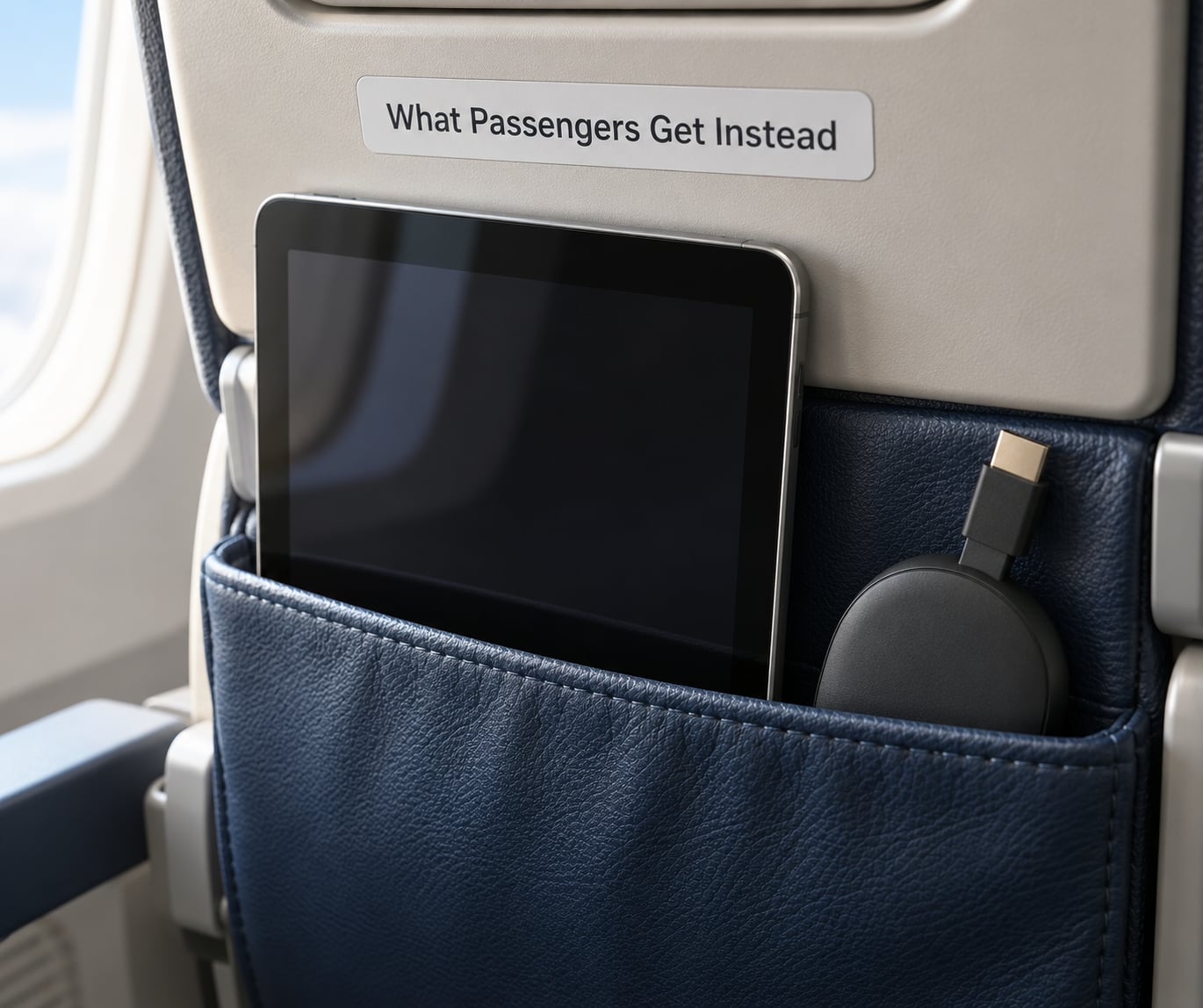
The substitute is usually bring-your-own-device entertainment, plus the hardware to make it work. In practice that means a few things.
Personal-device streaming through the airline’s connectivity. Delta expanded its Delta Sync platform, which syncs movies and TV shows to a passenger’s own phone or tablet, across several hundred aircraft. JetBlue has long offered live TV channels through its seat-back portal, which is the clearest evidence that the trend is not uniform.
Free messaging and a free browsing portal on many carriers, so the flight has a workable internet option even without paying for a full connectivity pass.
Rental tablets, which Alaska has used as a bridge on some routes. People in aviation forums treat rental tablets as a fair middle ground between a seat-back screen and nothing at all, mainly because the alternative is asking a stranger’s child to watch a small phone screen for three hours.
And the unglamorous basics: device holders, power outlets and USB-C charging. Forums are blunt that a working outlet matters more to people than the screen did, and that a phone arriving dead at landing ruins the whole flight.
The catch is that the substitute is not always equivalent. Streaming depends on connectivity quality, bandwidth is shared across the cabin, and the moving map nobody else replicates cheaply.
Are Removed Seat-Back Screens Good or Bad for Travelers?
Both, and it depends on the flight you were on.
The good case is real but modest. A lighter aircraft burns less, a cabin with fewer things to fail breaks less often, and airlines with a stronger cost position can, in principle, pass some of that along. In a competitive market the saving is theoretical, though, because it depends on fares staying soft and competition staying strong.
The bad case is sharper. Removing a screen pushes the cost onto the passenger, who now needs a charged device, a working outlet, headphones and either a subscription or a connectivity plan. Families with more than one child cannot share one device comfortably, and business travellers whose laptop and phone already occupy the tray table have no way to watch anything at all.
Commenters on r/aviation and r/americanairlines threads describe the screenless retrofit experience as spartan, and several say the moving map is the one feature they would genuinely miss. Frequent flyers on the same threads counter that on a short hop they never noticed the absence.
Fair summary: a screen was a hedge, and the airline removed the hedge because most passengers never used it. On a two hour flight that is defensible. On a long-haul with kids, it is a downgrade.
Which Flights Are Most Likely to Have Seat-Back Screens?
Read the aircraft and the cabin rather than the airline’s advertising. Newer aircraft in premium cabins on long routes are the most likely place to still find a screen; older narrowbody economy seats are the least likely.
Approaches differ between carriers, and the details change, so treat this as a guide rather than a promise.
| Airline | General approach | Where screens are most likely |
|---|---|---|
| American Airlines | Removed from single-aisle fleets under Project Oasis, then announced a return of screens to much of the narrowbody fleet | Widebodies and the retrofitted narrowbodies, with rollout still in progress |
| Delta Air Lines | Kept and invested in IFE, plus device syncing across hundreds of aircraft | Most cabins, with the strongest premium offering |
| United Airlines | Mixed, varying by aircraft and cabin | Widebodies and international routes |
| JetBlue | Kept seat-back entertainment, including live TV | Economy on most routes |
| Alaska Airlines | Streaming and rental-device model rather than screens | Minimal, with some premium exceptions |
| Southwest Airlines | Streaming-first, with seat-back TV on selected aircraft | Select newer aircraft |
On any of them, the seat map on the booking site plus the aircraft type in your confirmation are more reliable than the cabin description. Seat maps change when a cabin is reconfigured, and the same flight number can be flown by two different aircraft types across the week.
How to Prepare When Your Flight Has No Seat-Back Screen
Ten minutes at home removes almost all of the risk.
- Download before you leave. Streaming services download over your own connection at home, not over an aircraft network. Decide what you will watch before the door closes.
- Charge to full and bring a cable. A power bank for anything longer than four hours is the cheapest insurance on this list.
- Bring headphones. A shared tablet with two pairs of earbuds works far better than a phone speaker.
- Check the airline app before boarding. Most carriers publish their entertainment portal login there, and some hand out free connectivity passes on selected routes.
- Have a backup that needs no power. A downloaded book, an offline puzzle or a printed article covers the case where the battery dies at 30,000 feet.
- Plan the data, not just the screen. If you intend to stream, budget for a connectivity pass. A portal that stalls repeatedly is the most common complaint from travellers who lost the screen.
Corporate-managed laptops are the quiet trap here, since work machines often block app installs and content downloads. Check that before you fly, not at the gate.
Frequently Asked Questions
Are airlines eliminating all seat-back entertainment systems?
No. The phase-out is selective and partly reversing. American Airlines removed screens from single-aisle fleets under Project Oasis and has since announced plans to reinstall them across much of its narrowbody fleet. Delta and JetBlue kept and expanded their systems. Long-haul widebody cabins, where the screen earns its keep, have largely kept entertainment.
Why do some aircraft still have seat-back screens while others do not?
Because the decision follows the aircraft, the cabin and the age of the hardware, not a single corporate policy. Screens were usually specified years before delivery, so an order placed when they were standard can arrive after the airline changed its mind. Removing them from an already fitted cabin is a costly job, so carriers tend to combine it with a refurbishment.
Do airlines provide free entertainment when there is no seat-back screen?
Usually a partial substitute rather than an equal one. Many carriers offer a free browsing portal, free messaging and a free entertainment app, while full streaming on your own device generally sits behind a paid connectivity pass. Delta syncs content to personal devices across hundreds of aircraft, and Alaska has used rental tablets on some routes. Access still depends on connectivity quality.
Will removing seat-back screens make flights cheaper?
It lowers airline costs, mainly through weight, fuel, maintenance and content licensing. Whether that reaches the passenger is a different matter. Fares are set by competition on each route, so a lower cost base for one carrier does not automatically mean lower tickets for you. The saving is real at industry level and uncertain at the individual booking.
Can I still watch movies on a flight without a seat-back screen?
Yes, with a bit of preparation. Download the films over your own internet at home, bring headphones and a power bank, and expect to watch on a phone or tablet rather than a nine inch screen. If you plan to stream instead, budget for a paid connectivity pass and expect slower speeds when the cabin is full.
What Passengers Should Do First
Check the aircraft type and cabin details on your specific booking before anything else, because that is what actually tells you whether a screen is likely to be there. Then download what you want to watch at home and walk out with a fully charged device and your own headphones.
Everything else on this list is secondary to those two steps.