Yes, but not the way you text on the ground. Can you text on a plane with an ordinary SMS? No, because your phone has no cell tower to talk to at cruising altitude. Messages sent through internet apps like iMessage, WhatsApp, or Messenger work on any flight with in-flight Wi-Fi.
The catch is that Wi-Fi is not universal, and the free messaging allowance on some airlines covers text only. Here is what actually happens, how the settings work, and what to do when a connection refuses to hold.
Table of Contents
- Can You Text on a Plane? The Short Answer
- How Airplane Texting Works: Wi-Fi, Cellular Service, and Airplane Mode
- Can You Still Text in Airplane Mode With Wi-Fi?
- Blue or Green Bubbles: Why the Color Changes in Flight
- How to Connect to Airplane Wi-Fi
- What Can You Send Once You Are Connected?
- Why Can You Not Text on Some Flights?
- How to Improve Your Chances of Sending a Message
- Frequently Asked Questions
- Can you text on a plane with airplane mode on?
- Can you send a regular SMS from an airplane?
- Can you use iMessage or WhatsApp on a flight?
- Why does my phone show bars but will not send a text?
- Can you text on a plane without paying for Wi-Fi?
- Does turning off airplane mode let cellular service work in flight?
- Conclusion
Can You Text on a Plane? The Short Answer
Standard SMS will not send in flight because cellular service needs ground-based cell towers, and there are none above 30,000 feet. Wi-Fi-based messaging does send on aircraft with in-flight internet. Turn airplane mode on, switch Wi-Fi back on manually, join the airline network, and open any internet messaging app.
So the practical answer is yes for iMessage, WhatsApp, Messenger, Telegram, Signal, and email, and no for SMS and MMS. Some airlines include basic messaging at no charge on every seat, while others require a paid pass before a single message will leave the plane.
How Airplane Texting Works: Wi-Fi, Cellular Service, and Airplane Mode
Three separate technologies are involved, and mixing them up is what causes most confusion on board.
Cellular service is the radio link between your phone and a cell tower on the ground. Your carrier’s network covers airports and suburbs, then stops. Above roughly 10,000 feet there is no tower in range, so an SMS has nowhere to send from. It does not fail loudly either. The message just sits there, and you find out hours later that it never left the phone.
In-flight Wi-Fi is a completely different network, run by the airline and usually reached through satellites. It behaves like the coffee shop router in an airport terminal, which is why you have to open a sign-in page before anything loads.
Airplane mode switches off the cellular radio and Bluetooth. It does not remove the Wi-Fi chip, which is why you can keep airplane mode on for the whole flight and still send messages.
Here is how each type of message travels:
| Message type | What it needs | Works in flight? |
|---|---|---|
| SMS (green bubble) | A cell tower | No |
| MMS | Cellular data | No |
| iMessage (blue bubble) | Internet | Yes, on Wi-Fi aircraft |
| RCS | Internet | Yes |
| WhatsApp, Messenger, Telegram, Signal, WeChat | Internet | Yes |
| Internet | Yes, slow on metered passes | |
| Airline app chat | Internet | Only on that airline |
| Voice or video call | Internet, but crew prohibited | Not allowed |
Can You Still Text in Airplane Mode With Wi-Fi?
Airplane mode blocks cell towers only. Wi-Fi is a separate switch, so leaving airplane mode on the entire flight does not stop your messages. On an iPhone, swipe down from the top right, tap Airplane Mode, then tap Wi-Fi and pick the network named for the airline, such as Delta WiFi or United Wi-Fi.
On Android, pull down the notification shade, tap Airplane mode on, then tap Wi-Fi in the quick settings row and select the airline network. Older iOS versions blocked iMessage while airplane mode was on, which is where a lot of the old confusion came from. Current versions do not.
Blue or Green Bubbles: Why the Color Changes in Flight
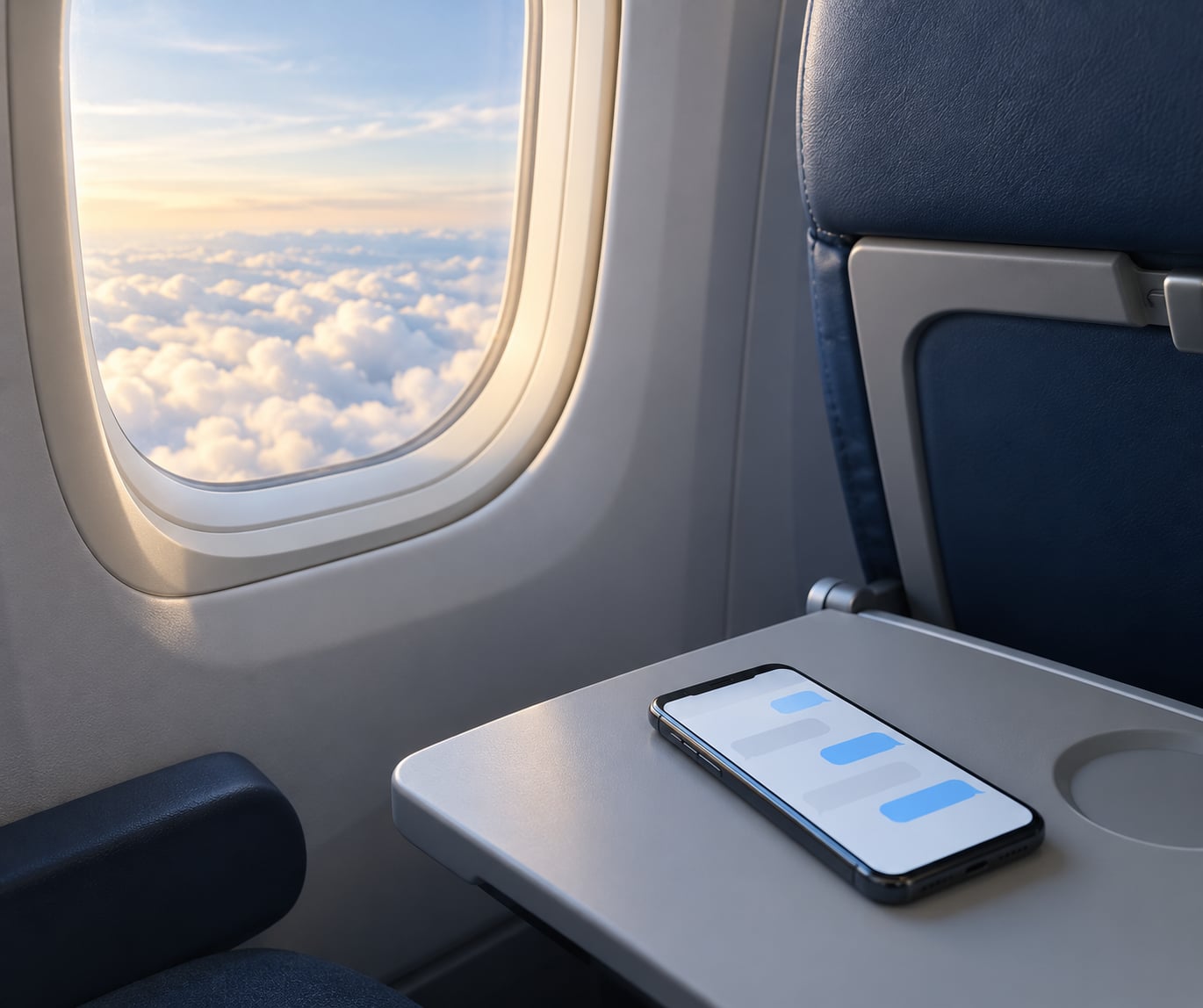
Blue means iMessage, and green means SMS. On the ground both feel identical. In flight the difference decides everything, because iMessage travels over the internet while SMS needs a cell tower that does not exist.
If you text an iPhone user from an iPhone over Wi-Fi, it arrives blue and works fine. If the thread is set to SMS, or if the recipient is on an Android phone, it turns green, tries the cellular network, finds nothing, and stalls. Switching the thread to iMessage is the fix on Apple’s devices. There is no equivalent switch for green SMS.
How to Connect to Airplane Wi-Fi
Connecting takes about a minute once the aircraft is above 10,000 feet. Before that the network is not broadcast, so trying on the ground wastes your time.
- Turn Wi-Fi on while leaving airplane mode on.
- Open Wi-Fi settings and select the airline network from the list. Do not connect to other passengers’ hotspots.
- Open the captive portal. Any attempt to load a page brings up the airline sign-in screen in the browser automatically.
- Sign in or choose free messaging. Some airlines ask for your name and confirmation number to reach you if the flight is diverted. Others present a chat option for basic messaging with no payment step.
- Verify the connection. A paid pass usually shows a session timer on screen. A free messaging session shows a message confirming that basic messaging is active.
- Open your messaging app and send a short text first. Attachments should wait until you see steady throughput.
Keep the portal tab open. Some sessions time out after a few minutes of inactivity, and reconnecting is usually faster than starting over.
What Can You Send Once You Are Connected?
Short text messages are the reliable ones. A few hundred characters takes almost no bandwidth, so a messaging-only session handles a long conversation fine. The same session usually chokes on photos, video, or file downloads, and those often hang rather than fail outright.
Internet email works, though large attachments over a metered connection can stall. Airline apps behave oddly because they often assume a fast link: rebooking or live-map features may load slowly even when your message goes through immediately.
Social apps like Facebook Messenger, Instagram, and X send text without complaint but may refuse photos and voice notes. Voice and video calls are a separate matter. Technically some carriers support Wi-Fi calling, but crew instructions prohibit calls for safety and comfort reasons, and the honest answer is to send a message instead.
One behavior catches people out: most messaging apps queue anything you send while the connection is down and deliver it automatically when you reconnect. If you typed a message at the gate and never saw a checkmark, it may have gone out during taxi without you knowing.
Why Can You Not Text on Some Flights?
- No hardware on that aircraft. Some regional jets and low-cost carriers ship without any connectivity. Check the airline’s fleet before assuming.
- Nothing is available yet. The network switches on after takeoff and above a certain altitude. Wi-Fi may also drop over oceans or polar routes where the satellite has no coverage.
- Messaging-only sessions are narrow. A free messaging session often blocks browsing, video, and downloads by design.
- The portal never completed. If you skipped the sign-in page, the connection shows as joined but nothing sends. Open any webpage and finish the login.
- Wi-Fi was left off with airplane mode. This is the most common mistake. Airplane mode does not turn Wi-Fi back on for you.
- Mobile data is on instead. Some devices re-enable cellular briefly after connecting to Wi-Fi. Keep it off so messages use the internet path rather than a network that cannot reach you.
- A queued message that never delivered. Long flights lose connectivity as you cross coverage boundaries. Send the important message early.
How to Improve Your Chances of Sending a Message
Check whether your specific aircraft has Wi-Fi before you leave the house. Airlines publish fleet and connectivity maps, and the answer varies a lot by plane type, not just by airline.
Join the network as soon as the cabin announcement says you can. Sessions are sometimes slow to stabilize right after connection, and the first message you send is often the one that fails.
Install and sign into your messaging apps before boarding. Some of them require an SMS verification code to activate on a new phone, and you will not receive that code in flight.
Write your important messages ahead of time. Long-haul flights with ocean crossings will lose service regardless of your settings, and a draft waiting in your notes app costs nothing.
Treat public in-flight Wi-Fi like any open network. Avoid online banking and anything that handles passwords. A VPN helps if you have one, but ordinary web browsing over HTTPS is fine for reading and messaging.
Frequently Asked Questions
Can you text on a plane with airplane mode on?
Yes. Airplane mode switches off the cellular radio only, so Wi-Fi keeps working when you turn it back on manually. Join the airline network, complete the sign-in page, then open iMessage, WhatsApp, or any other internet messaging app. Standard SMS still will not send, because it needs a cell tower that does not exist at cruising altitude.
Can you send a regular SMS from an airplane?
No. An SMS travels through your carrier’s cell towers, and there are no towers in flight, so the message has nowhere to go. Many phones show no error and simply wait, which means you may discover at landing that the text never left. This is why iPhone threads turn green and stall while the rest of your flight goes fine.
Can you use iMessage or WhatsApp on a flight?
Both work over in-flight Wi-Fi on any aircraft that has connectivity. iMessage shows blue bubbles and WhatsApp behaves exactly as it does on the ground. Keep airplane mode on, enable Wi-Fi manually, and finish the airline sign-in. Free messaging sessions usually cover text but block photos, video, and file downloads.
Why does my phone show bars but will not send a text?
The bars belong to your carrier, and the carrier has no network in flight. Your phone is not broken and the message is not stuck because of a setting you missed. If Wi-Fi is connected and the portal is complete, open your messaging app instead of the SMS one. Switching an iPhone thread to iMessage is the quickest fix.
Can you text on a plane without paying for Wi-Fi?
On many airlines, yes. Several major carriers include basic in-flight messaging at no charge on every seat, and some provide complimentary full Wi-Fi through loyalty programs or co-branded cards. Check the airline’s current policy before boarding, since which apps qualify and which planes are covered change over time.
Does turning off airplane mode let cellular service work in flight?
No, and you should not try it. Crew instructions and aviation rules require phones to stay in airplane mode or equivalent, and a handset that transmits at altitude can interfere with aircraft systems. Even if it connected, the network would find no usable tower. Leave airplane mode on and use the Wi-Fi switch instead.
Conclusion
You cannot send a standard SMS from a plane, because cellular service ends long before you reach cruising altitude. You can send almost any internet message, as long as the aircraft has in-flight Wi-Fi and the airline lets your app through.
Check your airline’s connectivity policy and fleet coverage first, keep airplane mode on with Wi-Fi switched back on manually, and send the message that matters early. That one habit solves most of the frustration people report with in-flight texting in 2026.