Most flights do hand you free wifi, but rarely in the way travelers hope. The honest answer is that there are three routes: the airline gives it away to everyone, your loyalty status or fare makes it free, or that specific aircraft has no network at all and you plan around it. Everything else on this page falls into one of those three buckets.
I fly a lot and the pattern is consistent. Free access is a benefit of a particular airline, on particular aircraft, for particular passengers. The useful part is knowing which category you fall into before you sit down, not after.
Last updated October 2026. Airline connectivity policies change frequently, so confirm with your airline before you book if being online matters for the trip.
Table of Contents
- What You Need
- Step-by-Step: How to Get Free Wifi on a Flight Without Paying
- 1. Check the Airline App Before You Leave Home
- 2. Use Airline Messaging Apps for Free Wifi on a Flight
- 3. Connect to Employer, Airport or Loyalty Wi-Fi
- 4. Ask About a Complimentary Upgrade or Promotion
- 5. Use a Personal Hotspot Only Where Coverage Exists
- 6. Use a Free eSIM or Messaging Service as a Backup
- 7. Plan Offline Access Before Boarding
- Common Mistakes That Break Your Free Connection
- Leaving airplane mode off the whole flight
- Joining an unknown network that looks like the airline’s
- Expecting full browsing from a free messaging tier
- Leaving a VPN running during the portal login
- Waiting until the doors close to test it
- Frequently Asked Questions
- Can I really get free wifi on a flight?
- Does free airplane wifi let me browse the internet?
- Is airline messaging free on every flight?
- Can I use my phone hotspot on a plane?
- How do I find a free WiFi pass through my airline or employer?
- What should I download before boarding if no WiFi is available?
- Conclusion
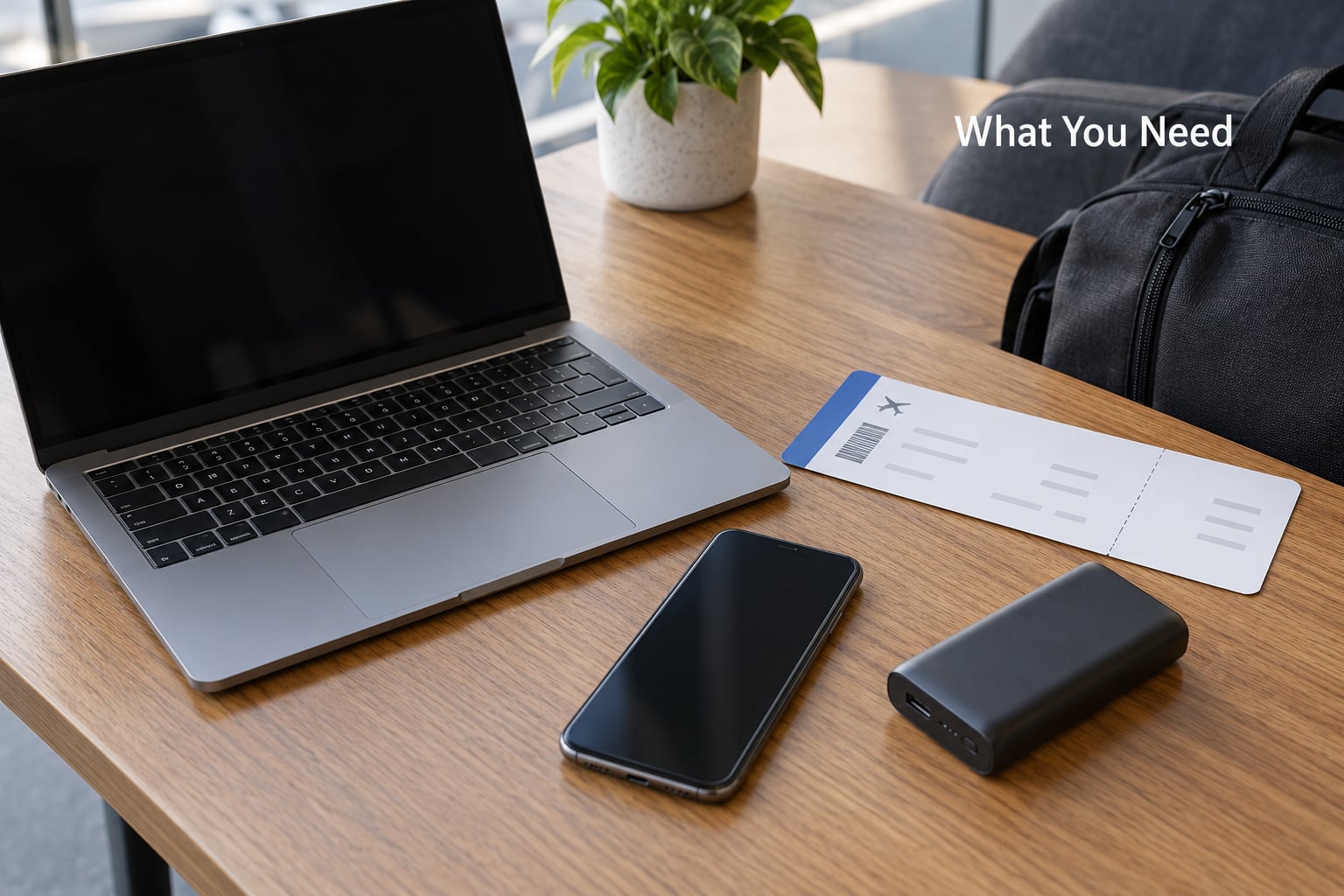
What You Need
You cannot force free wifi onto a plane that does not have any. The hardware lives in the aircraft, not in your account, and retrofit programs move at different speeds across different fleets. That is the first honest limit.
What you do control is the device and the prep work. Before you leave, have these in place.
- A device that can join a wifi network without a cellular plan: an iPhone, an Android phone, a laptop, or a tablet.
- The airline’s app installed and updated, since free messaging tiers are usually reached through it.
- Your boarding pass saved to the wallet app and to a screenshot, since gate wifi fails constantly.
- An active mobile plan, in case you want a data bridge on the ground or over land.
- Your employer travel policy, airport lounge benefits, and loyalty numbers, because those are where free access quietly comes from.
None of that gets you internet. It just means you will use whatever free option exists without wasting ten minutes of a boarding queue discovering you left the app at home.
Step-by-Step: How to Get Free Wifi on a Flight Without Paying
Seven methods, roughly in the order I would try them. The first four are genuinely free when your airline and itinerary cooperate. The last three are about surviving the flight when they do not.
1. Check the Airline App Before You Leave Home
Open the airline app the night before and look for three things: a connectivity page that says what is free on your aircraft, an offers tab, and a place to add your loyalty number. Promotional free access is usually announced there, not at the gate.
Also look up the specific aircraft. A 737 on one route and the same type on another can have completely different connectivity, and a retrofit rollout means your usual airplane might not have the service yet. In American Airlines’ case, free wifi for AAdvantage members runs through a partnership with AT&T rather than a blanket fleet promise, so the app is where you confirm whether your flight qualifies.
Add your loyalty number even if you have never flown enough for status. Benefits get claimed by number, and travelers routinely miss them because the profile was empty when they booked.
2. Use Airline Messaging Apps for Free Wifi on a Flight
This is the most common free tier and the most misunderstood. It usually covers texting, email, and a short list of approved chat apps. It usually does not cover browsing, video, or large attachments.
The reason to go through the airline app rather than the network list is that the free messaging network is often not the same network as the paid one. Joining the airline SSID directly may take you straight to a purchase page, while the app quietly switches you onto a free messaging connection. That is the single biggest reason people think there is no free option on their flight.
Air France frames the same three choices: a free message pass, a purchased wifi pass, or high-speed access tied to Flying Blue status. Air New Zealand and Air India have run similar messaging-only arrangements. The pattern is standard across carriers, and the app is the door.
3. Connect to Employer, Airport or Loyalty Wi-Fi
Employers are the most underrated free wifi source on this list. Plenty of companies include connectivity in their business travel policy, or reimburse it, and most employees never fill in the claim. Ask your manager or check the travel policy before you pay for anything airborne.
Airport wifi is free and it is the last real connection you will have before the doors close. Use it to download anything, send anything urgent, and sync your documents. Gate-side wifi is unreliable, and the network named after the terminal frequently drops as the concourse empties, so do your work earlier rather than standing at the gate refreshing a page.
Loyalty programs are the other route here. United made free wifi for MileagePlus members a headline item, and the forum response was overwhelmingly positive, which tells you how much travelers value it. Flying Blue, SkyMiles and similar programs offer free passes or connectivity credits at some tiers. Worth checking your account even if you fly rarely, because the credit often expires before you use it.
4. Ask About a Complimentary Upgrade or Promotion
Sometimes a promotion covers your exact route, and you will never find it unless you look at the booking engine or ask. Before you check in, glance at the offers tab in the app and the deals page on the airline’s site for your route and date.
At the counter or the gate, a polite ask occasionally works, particularly on a lightly loaded aircraft where the cabin crew has discretion. Treat this as a bonus, not a plan. Promotions vary by route, aircraft, cabin and travel date, which is exactly why the same offer never shows up in anyone else’s search results.
5. Use a Personal Hotspot Only Where Coverage Exists
A phone hotspot is a real connection on the ground. Towers serve the ramp and the gate area well enough for messages and a quick browser load, and you can tether a laptop while the boarding queue drags on.
Then it stops. Once the aircraft is airborne and climbing, the handset sees no towers at all, and cellular drops are routine during the climb rather than gradual. There is no cellular coverage over the open ocean at all, so a transatlantic or Pacific crossing gives you nothing after the first hour.
People on r/delta threads describe the same thing from the other side: connectivity that is fine on the ramp and gone shortly after takeoff. Use the hotspot, then stop expecting it to work.
6. Use a Free eSIM or Messaging Service as a Backup
An eSIM or a roaming plan can carry your data where the airline hardware does not, but set the expectation properly. Most aircraft have no working cellular equipment for passengers at all, so the eSIM only helps over land routes and during the ground phases. On a flight over the ocean it is a decoration.
Two more cautions. Data roaming can add charges to a home plan, and free messaging services often throttle to plain SMS. If the flight is the whole point of the trip, spend your prep time on downloads instead, because that works every single time.
7. Plan Offline Access Before Boarding
This is the only method on the list that never fails, and it costs nothing. The moment you have ground wifi, download the things you would otherwise look up in the air.
- Maps for your destination and your transfer, in offline mode.
- Boarding passes, hotel confirmations, passports, insurance documents, and anything you would be embarrassed to lose.
- Episodes, films, or audio queued through the airline’s entertainment app, plus downloads on your own devices if the seat does not have a screen.
- Anything you need to read, and a plan B for the meeting you were dreading.
Save each one locally, not just to a cloud account. The last stretch of a long flight, over water or across a pole, is often the slowest part of the trip even on a fast connection, because satellite handoffs are toughest there. Reviewers on Alaska’s in-flight connectivity threads keep pointing to the same weakness: coverage tapering near Hawaii and across the Pacific. Offline material sidesteps it completely.
Common Mistakes That Break Your Free Connection
Leaving airplane mode off the whole flight
Nobody expects you to fly with cellular on, but the failure mode is real: people who need wifi keep their cellular radio active to avoid missing a call, and then wonder why the captive portal hangs. Airplane mode on, wifi on. A missed call is cheaper than a failed login.
Joining an unknown network that looks like the airline’s
People join a network they assume is free, or guess at SSID names, and end up on a paid tier they did not intend. Connect through the airline app or the network the crew announced, and read the terms on the portal page before you tap through.
Expecting full browsing from a free messaging tier
Free tiers are throttled and filtered, so a page that loads at the gate buffers forever in the air. If your task needs real bandwidth, decide that early and either pay or move it to a lounge with a proper connection.
Leaving a VPN running during the portal login
VPNs interfere with captive portals, which is why the payment or sign-in page sometimes never renders and you sit on a connected device with no internet. Turn the VPN off, forget the network on your phone, then reconnect.
Waiting until the doors close to test it
A connection test while you are still on the ground leaves you time to fix things. Five minutes before boarding is too late, and gate-area wifi is the least reliable connection of the trip.
Two smaller habits worth keeping: rotate through a cabin connection more than once, because a single session drop mid-purchase is common, and never treat a free session as unlimited. Free windows are often short and are tied to the device, so a refresh does not reset the clock.
Frequently Asked Questions
Can I really get free wifi on a flight?
Yes, on many flights, but it comes with conditions. Some airlines offer free messaging to every passenger, some restrict free access to loyalty members, business and first class, or passengers on specific aircraft. A few give full free wifi fleetwide. Check the airline app for your exact flight before you travel, since retrofit rollouts are uneven and the same airline can differ by aircraft.
Does free airplane wifi let me browse the internet?
Usually not on the free tier. Free access typically covers texting, email, and a list of approved chat apps, with browsing, video calls and streaming blocked or throttled. Full browsing and faster speeds are usually behind a paid pass. That is why downloading what you need while you still have airport wifi is the most reliable approach rather than trying to browse from your seat.
Is airline messaging free on every flight?
No. Free messaging depends on the airline, the aircraft, and sometimes your cabin or loyalty status. On many carriers the free tier is available to all passengers, while others limit it to members, premium cabins, or specific aircraft. The availability is usually shown in the airline app on your booking. Aircraft without any wifi hardware at all are still common on regional routes.
Can I use my phone hotspot on a plane?
Only near the ground. Cellular towers serve the ramp and gate area, so a hotspot can carry a quick message or a small load while you wait to board. Once the aircraft climbs, the handset loses all towers and the connection ends. Over oceans there is no coverage at any altitude. If you need data in the air, it has to come from the airline network, not your carrier.
How do I find a free WiFi pass through my airline or employer?
Start in the airline app: check the connectivity page for your flight, look at the offers tab, and confirm your loyalty number is attached to the booking. Then check your employer’s travel policy, since many companies include or reimburse in-flight connectivity that employees never claim. Loyalty programs at several major airlines include a complimentary pass or a connectivity credit at higher tiers.
What should I download before boarding if no WiFi is available?
Download maps for your destination and any transfer, your boarding pass, hotel details, and travel documents, plus films, shows, or audio through the airline app. Save each one to the device rather than only a cloud account, and take a paper copy of the essentials. That way the last and slowest stretch of the flight, often over water, does not matter.
Conclusion
Start in the airline app. Check what your flight offers for free, confirm your loyalty number is attached, look at the offers tab, and see whether your employer covers connectivity. Then use airport wifi to download everything you need, because the offline plan works on every flight in the world, including the ones with no network at all.