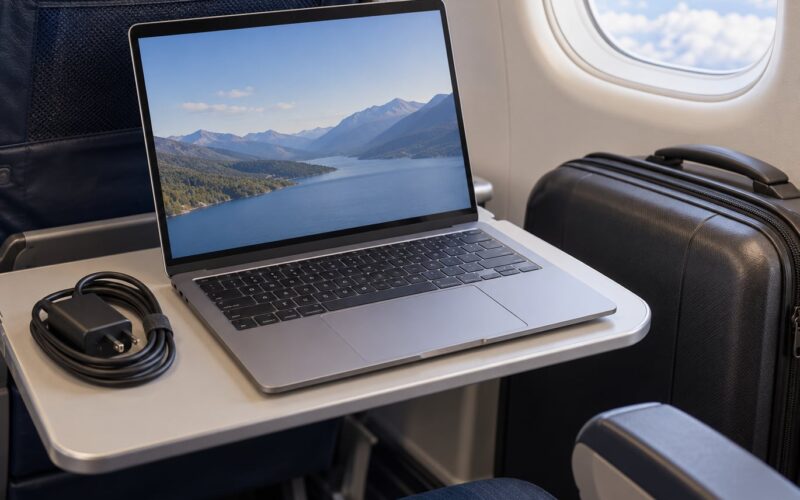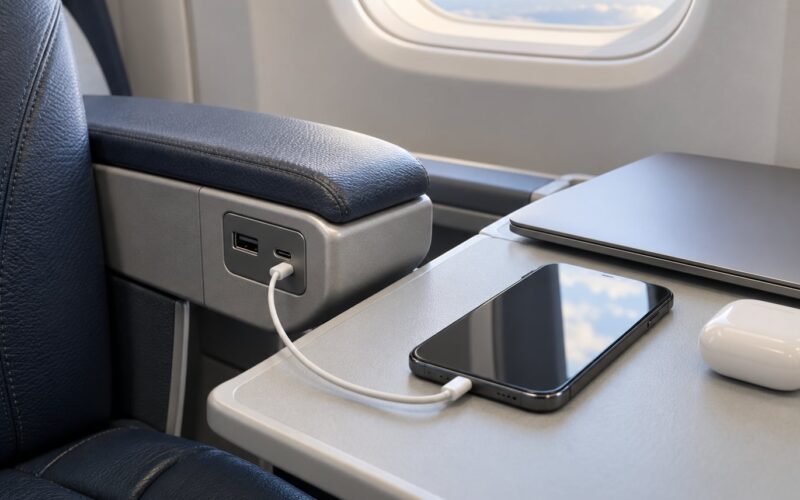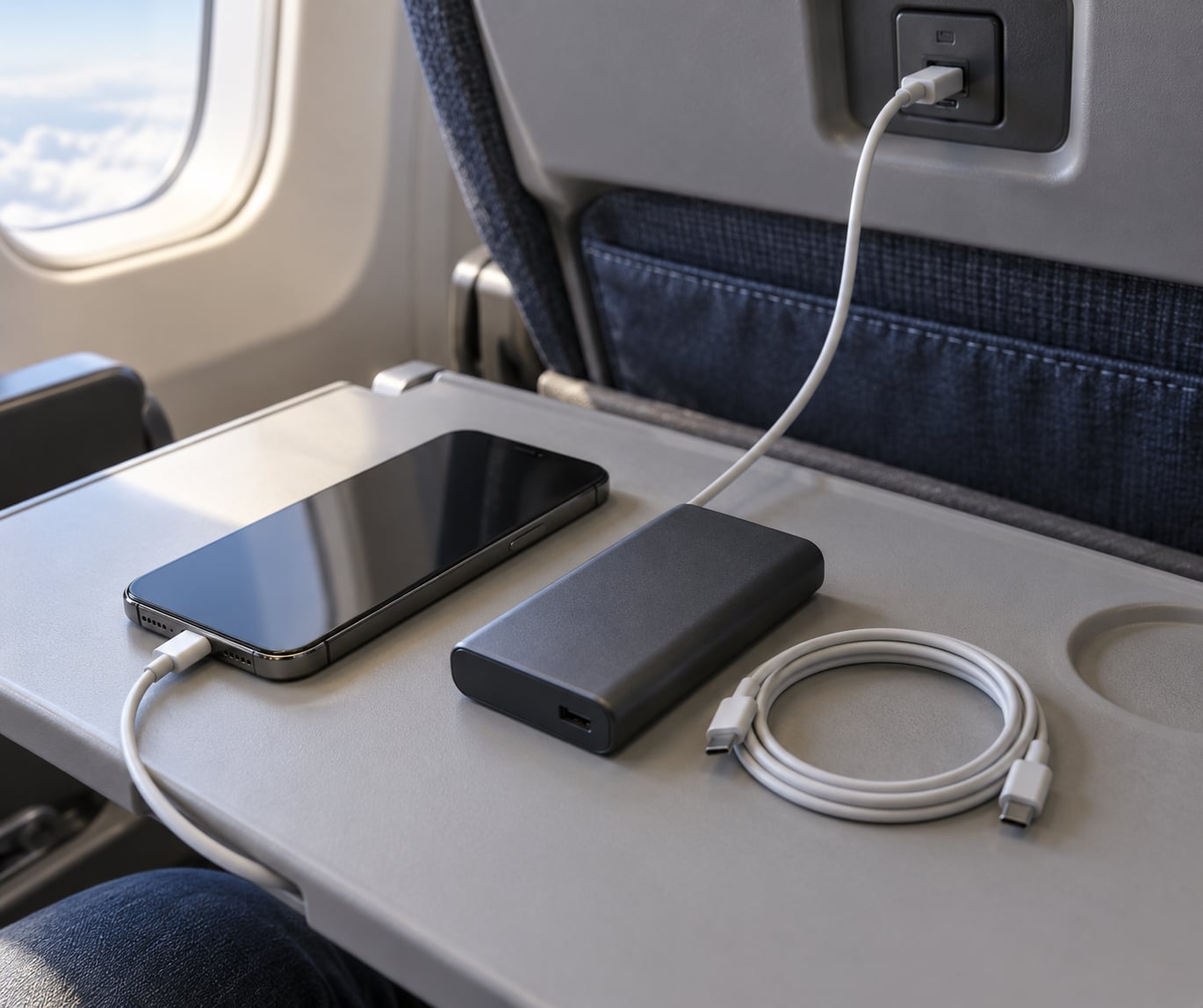
Yes, you can charge your phone on a plane. Most aircraft built since the mid-2010s have an AC outlet or USB port in the seat, and the whole trick is plugging in before your battery gets low rather than waiting for the 10% warning. Bring your own cable, because airlines do not supply them, and check your specific aircraft’s power situation first, since availability swings a lot by carrier, plane and cabin.
A flat battery at 35,000 feet is worse than a flat battery anywhere else. Your phone holds your boarding pass, your hotel address, the payment method you need at the gate and the only phone number you have for the person meeting you. On top of that, in-flight Wi-Fi and video pull charge out of the battery faster than a weak seat port puts it back.
Before the detail, the short version:
- Availability: Outlets are near-universal on the big US carriers’ newer planes and hit-or-miss on low-cost carriers and older narrowbodies.
- Cable: You bring it. Airlines supply no cables, and many older aircraft still only have USB-A.
- Speed: Seat USB usually runs at old-style charging speeds, so plug in early and expect a slow climb.
- Power bank: You may bring one in your cabin bag, but whether you can use it in the cabin depends on the airline.
- Best move: Start the flight at 100% and treat seat power as a top-up, not the plan.
Table of Contents
- What You Need to Charge Your Phone on a Plane
- Step-by-Step: Charging Your Phone on a Plane
- 1. Check your airline’s power options before you fly
- 2. Charge your phone before you leave the house
- 3. Bring the right cable and adapter
- 4. Use the airplane USB port or outlet
- 5. Carry a power bank as backup, and know the rules
- 6. Manage battery use while the phone charges
- 7. Handle charging during connections and delays
- Common Mistakes When Charging on a Plane
- Frequently Asked Questions
- Can you charge a phone on a plane?
- Do airplanes have outlets to charge your phone?
- Can I charge my phone on a plane with a power bank?
- Is a 20000mAh power bank allowed in flight?
- Are airplane seat USB chargers safe?
- Why is my phone charging so slowly on a plane?
What You Need to Charge Your Phone on a Plane
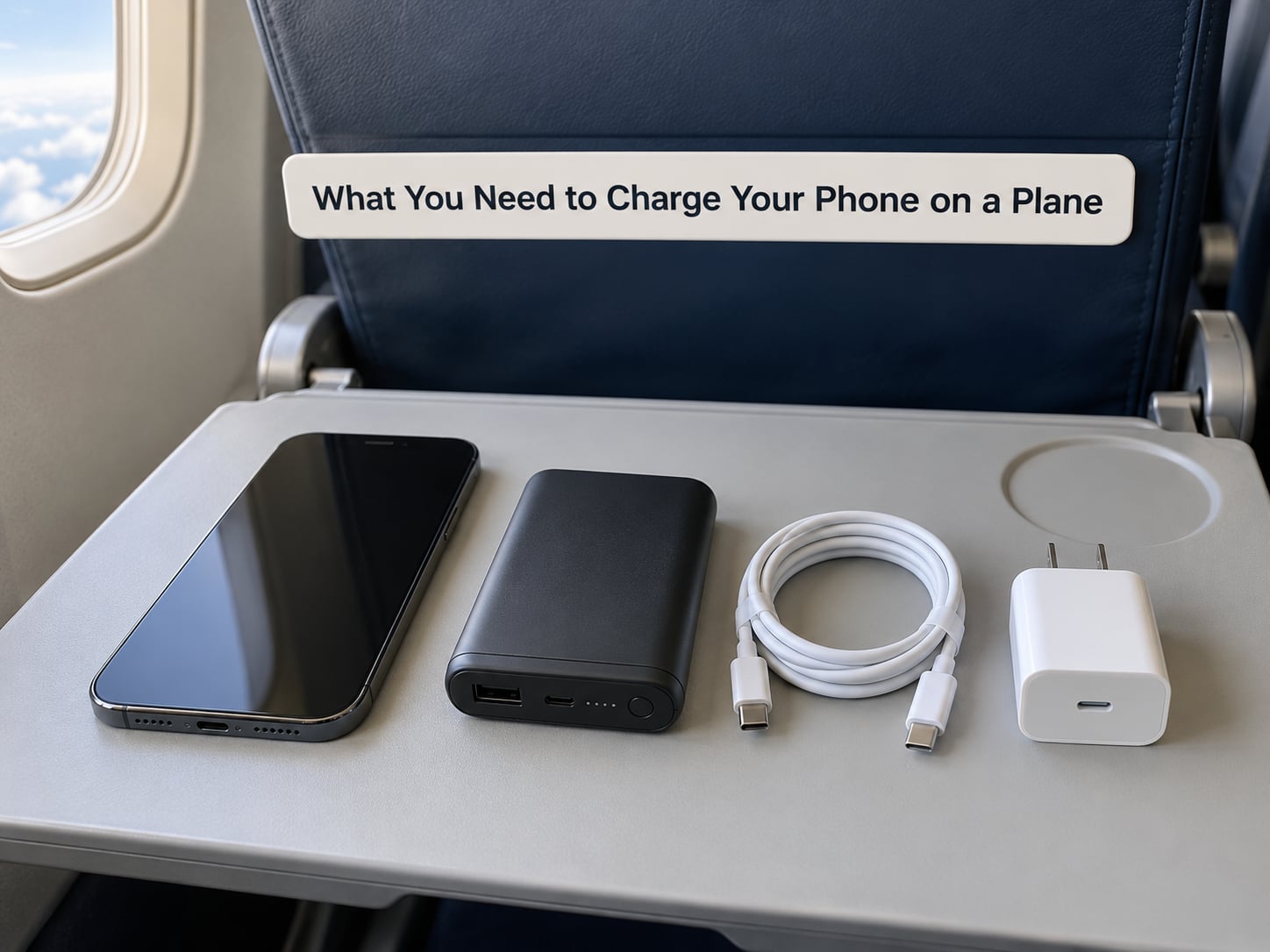
None of this is specialist kit. Everything you need fits in a jacket pocket, and most of it you already own.
- A wall charger: A small USB power adapter, so the seat’s AC outlet has something to plug into.
- Two cables: One USB-C and one USB-A, long enough to reach a port under the seat in front of you. A cheap spare cable in the personal item is worth its weight.
- A plug adapter if you’re on the wrong shape: Aircraft sockets vary by region. A UK Type G adapter is the one frequent-flyer trick worth knowing, because it sits far tighter in a worn aircraft socket than a flat US plug.
- A power bank: Only if you plan to use it and your airline allows it. Read the rules section below first.
- A battery case: Thinner than a power bank and it recharges the phone directly, but it doubles as a flight-spare battery, so it counts toward your spare lithium limits.
- Your airline’s power policy: Two minutes on the carrier’s site tells you whether in-seat power exists on your aircraft and what they do about power banks.
Skip the universal travel adapter if you only care about phones. Universal adapters usually do not convert voltage, and a phone charger expects mains power, so a simple shape adapter is the safer tool.
Step-by-Step: Charging Your Phone on a Plane
1. Check your airline’s power options before you fly
Most seat power problems are solved before boarding, not after. Start with your airline’s seat map, which marks outlets and USB icons on the seat layout, then check the aircraft type on your booking.
Broadly, the big US carriers — Delta, United, American and Southwest — fit outlets on most of their newer aircraft, usually in every seat but sometimes only in certain rows. Many budget carriers and a good share of older narrowbodies have no seat power at all, or only a handful of rows with it. Business and first class are far more reliable than economy, and premium economy on a long-haul widebody is often where the first outlets appear.
Aircraft get swapped between routes, so treat the seat map as a strong hint rather than a guarantee. If your itinerary is a tight connection, assume nothing and plan to arrive with a full battery.
2. Charge your phone before you leave the house
The most reliable charger is the one you already own. Start at 100% at home, and if you have two devices, charge both before you leave rather than hoping to do it in the terminal.
Airport and gate outlets are the useful backup. Most gates have a wall or a charging shelf, and lounges almost always do. The catch is that gate charging happens on a clock: board 40 minutes early, charge to full, then stop. Headphones, watch and power bank can all top up at the same time if you bring a multi-port adapter.
3. Bring the right cable and adapter
Seat power comes in three shapes, and each one wants something different.
- AC outlet: A mains socket, roughly 110V on US domestic routes and 230V on many international ones. Plug your normal wall charger into it.
- USB-A: The rectangular port still fitted on plenty of aircraft. You need a USB-A to USB-C or USB-A to Lightning cable.
- USB-C: Newer aircraft have started fitting USB-C, sometimes with power delivery. It is faster, but only if your cable supports it.
The charge rate is set by the weakest link in the chain, which is usually the seat port rather than your phone. A USB-A port supplying 5V at 1A or 2.4A will charge a modern phone slowly, and a fast-charging brick plugged into it will not fix that.
If the socket feels loose and your plug keeps falling out, a Type G adapter is the fix most people use. It also stops the cable sagging onto your leg. Do not use a cheap multi-plug without checking its rating, and never daisy-chain two devices through one adapter.
4. Use the airplane USB port or outlet
Connect as soon as you sit down rather than waiting until you need the battery. Check the phone actually shows a charging icon — a port can be lit or present but dead, and the indicator is the only reliable test.
Then leave it alone. Streaming video or running a maps app while charging can hold the charge flat or even drain the battery, because the screen and radios work harder than the port can supply. If you must use the phone, drop brightness, turn on airplane mode and leave the phone face-down.
Where ports exist, check whether your row is one of them. Galley and bulkhead-adjacent rows often have a household outlet, and exit rows sometimes lose power when the door is opened for a briefing.
5. Carry a power bank as backup, and know the rules
A power bank is the one part of the plan you must check before packing, because the rules tightened sharply. Since the ICAO standards that took effect on 27 March 2026, passengers may carry up to two power banks in cabin baggage, they must not be recharged on board, and devices generally should not be charged from a bank in the cabin. Airlines were given latitude, so implementations differ: some carriers allow use with the bank visible and used only when the seatbelt sign is off, others prohibit in-cabin use entirely.
Keep it in your cabin bag, not a checked one. If you cannot use it in flight, treat it as a gate and layover backup rather than an in-flight one — that still covers the two hours you are most likely to need it.
Size limits are measured in watt-hours, not milliampere-hours, which is where most confusion happens. Wh is roughly mAh multiplied by 3.7V for a lithium cell:
| Battery capacity | Approx. watt-hours | Where it stands |
|---|---|---|
| 5,000mAh | about 19Wh | Well under the limit |
| 10,000mAh | about 37Wh | Comfortably under the limit |
| 20,000mAh | about 74Wh | Under the limit; popular with flyers |
| 27,000mAh | about 100Wh | At the ceiling |
| 30,000mAh | about 111Wh | Needs airline approval; may be refused |
Make sure the Wh rating is printed clearly on the casing. Security staff check the label, and a worn or missing one causes more problems than the capacity itself. Note that 100W and 100Wh are different things entirely — W is output power, Wh is stored energy.
6. Manage battery use while the phone charges
Charging is only half of it; a phone that arrives full but spent the flight streaming has not helped you. Turn on airplane mode once you are at cruising altitude if you do not need connectivity, and switch on Low Power Mode or the battery saver setting before takeoff.
Download anything you want to watch or read beforehand, keep brightness low, and shut down background apps that sync and upload in the background. Rotation lock and a dark mode both trim drain. On a long-haul overnight, these steps routinely carry a phone through nine hours on a single charge.
7. Handle charging during connections and delays
Connections are where charging plans break. Power banks must go through security with you, so keep one in your personal item rather than a larger bag that goes in the hold, and expect a gate agent to check the label.
When your board is called before the charger is finished, pull it. A phone at 60% beats one at 5% when you are queuing for the shuttle bus. On an unplanned overnight delay, ask the gate desk about lounge access or a spare charging cable before you start hunting wall sockets in a terminal you do not know.
Common Mistakes When Charging on a Plane
- Assuming the outlet works because it is there. Users report dead seat power across multiple flights, not one bad day. Test it in the first minute and have a fallback ready.
- Leaving your cable in checked luggage. This is the single most common ruined flight. Cable goes in the personal item, always.
- Forgetting the shape of the socket. Plug your charger in at home into your adapter the night before, so you discover the mismatch before you are on the aircraft.
- Using the phone at full brightness while charging. The port cannot outrun an active screen, so the battery barely moves.
- Buying a power bank you cannot use in the cabin. Plenty of travellers now carry one under the post-March 2026 rules that they are not allowed to plug in on board. Check your airline’s page before you rely on it.
- Overcharging past full. Once your phone hits 100%, unplug it. Leaving it plugged in for another six hours adds stress for nothing, and safety authorities have publicly advised against topping devices right up.
Frequently Asked Questions
Can you charge a phone on a plane?
Yes. Most aircraft built since the mid-2010s have a mains outlet or USB port in the seat, and you charge your phone by plugging your own cable or charger into it. Airlines do not supply cables, so bring your own. Port types vary between USB-A and USB-C, and charging is usually slower than at home.
Do airplanes have outlets to charge your phone?
Many do, but not all. The big US carriers fit outlets on most newer aircraft, usually at every seat, while many budget carriers and older narrowbodies have none or only a few rows. Check your airline’s seat map and the aircraft type on your booking. Business and first class are far more reliable than economy.
Can I charge my phone on a plane with a power bank?
It depends on the airline. Since the ICAO standards that took effect on 27 March 2026, you may carry up to two power banks in cabin baggage, but you must not recharge the bank on board and devices generally should not be charged from it in the cabin. Some airlines still permit limited use; others ban it entirely. Always check your carrier’s page.
Is a 20000mAh power bank allowed in flight?
Usually yes. A 20,000mAh lithium bank works out at roughly 74Wh once you multiply capacity by the 3.7V cell voltage, which sits under the 100Wh limit most regulators use. Anything around 27,000mAh reaches 100Wh, and 30,000mAh goes past it, usually requiring airline approval. Keep the Wh rating clearly printed and pack it in your cabin bag.
Are airplane seat USB chargers safe?
In general, yes. Aircraft outlets run on the plane’s own electrical system and seat USB ports supply low-voltage power, so they are safe to use with your own cable. The safety rules that changed concern portable batteries, not seat power. Avoid cheap unknown charging hubs, and unplug once your phone is full.
Why is my phone charging so slowly on a plane?
Because the seat port is the bottleneck. Most in-seat USB-A ports deliver around 5V at 1A or 2.4A, well below what a modern phone accepts from a wall charger, and older ports are slower still. Plug in as soon as you sit, dim the screen and leave the phone alone, and expect the last 20% to take noticeably longer.
The whole method comes down to one habit: leave home at 100%, plug in during the first minute after you sit, and treat everything after that as a bonus. Check your seat map the night before, keep a cable and a multi-port adapter in your personal item, and read your airline’s power bank page once so you know whether that backup is a real option or only a layover one.