Is airplane Wi-Fi worth paying for? Usually yes on a long-haul work flight, and usually no on a short domestic hop. Full-access passes commonly land somewhere between 6 and 25 dollars for a single flight, and a growing number of carriers hand out basic connectivity free, so the real question is not whether the service works. It is whether it solves a problem you are stuck with for four hours or more.
The honest answer changes with the flight. In my experience the decision gets easy once you look at the aircraft, the route and what you would do with the time instead.
Table of Contents
- Airplane Wi-Fi Cost and Value at a Glance
- What Affects the Price and Value
- Why the same airline charges different amounts
- What your money actually buys
- When Is Airplane Wi-Fi Worth Paying For?
- Worth paying for when
- Not worth it when
- Is airplane Wi-Fi worth paying for on international flights?
- Is Free Airplane Wi-Fi Good Enough?
- How to Tell If a Wi-Fi Plan Supports Your Trip
- Ways to Save on Airplane Wi-Fi
- Frequently Asked Questions
- Is airplane Wi-Fi worth paying for on a short flight?
- How much does airplane Wi-Fi usually cost?
- Can you make video calls or stream with airplane Wi-Fi?
- Is free airplane Wi-Fi faster or cheaper than a paid plan?
- How can I get free Wi-Fi on a plane?
- Conclusion
Airplane Wi-Fi Cost and Value at a Glance
Here is how the usual options compare. Prices below are typical U.S. ranges that vary by airline, route, cabin and aircraft, and they change over time, so treat them as a starting point rather than a quote.
| Option | Typical price band (USD) | What it actually covers | Best used for |
|---|---|---|---|
| Complimentary basic service | 0 | Messaging and light browsing, often limited by time or loyalty status | Staying reachable without paying |
| Paid messaging tier | 6 to 15 per flight | Email, chat apps, basic browsing at limited speed | Short flights and light work |
| Full-flight access | 10 to 35 per flight | Wider browsing, file transfers, larger uploads | Long-haul work trips |
| Streaming upgrade | 12 to 40 per flight | Video streaming on equipped aircraft only | Only if you will really watch |
| Airline-wide free service | 0 on selected carriers | Basic connectivity for the whole flight | Any trip, when your airline offers it |
CNET put the starting point for a connection at between 6 and 25 dollars, with Alaska Airlines at the expensive end on some flights. FinanceBuzz found published rates running from under 2 dollars for a short messaging session to nearly 50 dollars on the priciest long-haul plans.
Those two figures bracket the decision. Anything under about 10 dollars on a nine-hour flight is a rounding error. Forty dollars on a two-hour hop is pure waste, because you could buy coffee and a phone charger for that.
What Affects the Price and Value
Why the same airline charges different amounts
Price is set by four things: the airline, the aircraft, the route and the package. A carrier retrofits some planes with newer satellite hardware and leaves others on decade-old equipment, and it prices those cabins differently.
Route matters too. Satellites need a clear line of sight, and polar routes, some trans-Pacific segments and flights into Costa Rica or parts of Hawaii pass through gaps where service slows or stops. When coverage dips, the same pass you paid for does less.
Cabin plays a smaller role than people expect. Business-class tickets frequently get the free tier as a default, while a coach passenger on the same aircraft pays the full rate.
What your money actually buys
Advertised speed is the single most misleading number in this topic. CNET noted a carrier advertising up to 400 Mbps while passengers measured 7 to 10 Mbps in normal use. ZDNet’s own testing found much better results on the newest hardware.
| System | Advertised peak | Measured in testing | What that supports |
|---|---|---|---|
| Starlink low-earth orbit | Up to 400 Mbps on some aircraft | Median download around 152 Mbps | Browsing, HD streaming, large uploads |
| Viasat geostationary | Varies by aircraft | Median download around 50 Mbps | Streaming and large downloads |
| Older Gogo, Panasonic and Thales Ku-band | Varies by aircraft | Often 7 to 10 Mbps | Messaging, email, light browsing |
Two terms explain most of the gap. Satellite backhaul means the aircraft reaches the internet through a dish on the roof, not a ground tower. Shared bandwidth means that total pipe is split among everyone connected, so your 150 Mbps becomes 3 Mbps when a full cabin joins at the same time.
That is why the same flight number can feel fast on Tuesday and unusable on Thursday. Equipment changes by aircraft assignment more often than by airline.
When Is Airplane Wi-Fi Worth Paying For?
The cleanest way to decide is by flight length, then by whether you are working or relaxing. Anything under three hours is mostly a rounding error of inconvenience. Past six hours, connectivity starts saving real hours.
| Flight length | Business traveler | Leisure traveler |
|---|---|---|
| Under 3 hours | Skip it unless a timed meeting lands in the air | Skip it, download content instead |
| 3 to 6 hours | Worth it if you expect two or more hours of email and documents | Usually not, free messaging covers the basics |
| 6 hours and up | Worth it, especially on older aircraft where offline work is the only alternative | Worth it for peace of mind and for keeping children occupied |
Reddit threads on this question skew negative, which is fair on short hops. One commenter in an r/americanairlines thread about the Philadelphia to London route described paying 35 dollars on an international flight and watching the connection work just long enough to finish a card payment. Other passengers in the same and related threads report the opposite on Starlink-equipped aircraft.
A travel blogger testing Southwest’s older Row44 system put it plainly: the service mostly worked, just not at a level worth paying for on a short flight. That is the honest benchmark for most regional hops.
Worth paying for when
- You are expected to answer email during a flight longer than six hours.
- No reliable alternative exists, such as a long overwater sector with no ground network.
- The aircraft has newer satellite hardware, so the speed justifies the price.
- You need to reach family or colleagues who cannot wait until landing.
- You are traveling with kids on a flight long enough for boredom to become a problem.
- Your employer or client is paying, and the pass costs you nothing.
Not worth it when
- The flight is under three hours and you have nothing timed to land during it.
- You only need to send two messages, which the free tier handles.
- You are planning a video call, since voice and video are blocked on nearly every carrier.
- You plan to stream, and the aircraft is not on a streaming-capable list.
- Your airline already gives connectivity away on that route.
- You are offline anyway, and no amount of bandwidth would change that.
Is airplane Wi-Fi worth paying for on international flights?
More often than not, yes. International routes mean long hours without ground coverage, no roaming and a real cost to staying offline. If the ticket crosses an ocean, treat connectivity as part of the trip rather than an upgrade.
Is Free Airplane Wi-Fi Good Enough?
Free service is usually good enough for messages, email and light browsing, and rarely good enough for anything heavy. That is not a marketing judgment. It is how the tiers are built.
- Availability: free tiers appear on several carriers and expand every year, including a free service launch at American Airlines in early 2026 and continued Starlink rollout at United.
- Speed: capped deliberately, since airlines reserve fast satellite capacity for paying passengers. Older hardware delivers single digits.
- Messaging: typically unrestricted, so chat apps and email work as expected.
- Video calls: blocked on free tiers and on most paid ones.
- Streaming: not available on free tiers, and unreliable on paid ones outside newer aircraft.
- Device limits: a single passenger usually covers their own phone and laptop, which is plenty.
The gating conditions are worth knowing. Delta ties free access to SkyMiles enrollment, which is free to join and takes minutes. Norwegian hands out roughly 15 free minutes, framed as enough for email and browsing. Singapore Airlines limits free Wi-Fi to KrisFlyer members in premium economy and economy.
So before paying, check whether a free signup already covers the flight. It often does.
How to Tell If a Wi-Fi Plan Supports Your Trip
Two minutes of checking beats a bad four hours in the air. Run through this list before you decide.
- Find your aircraft type. The airline app and the flight status page usually show the equipment, and retrofit lists show which planes carry newer satellite systems.
- Check the block time, not the schedule. Count on at least 30 extra minutes for a connection you plan to use.
- Read the plan restrictions. Hourly passes, one-hour windows and full-flight passes are different products at very different rates.
- Count your devices. If a pass covers one device and you want a phone plus a laptop, you need the wider package.
- Look for a speed estimate on your route. Aircraft with newer hardware behave nothing like older ones.
- Check data caps. Some packages throttle after a volume threshold rather than blocking activity.
- Check coverage on your route. Polar and some trans-Pacific segments lose signal.
- Read the refund terms. Policies for a failed connection vary by airline and are the most common source of frustration.
- Confirm it is offered the whole way. Regional jets on a long itinerary may have no service at all.
Airline support and the in-flight portal are the authoritative source here. Pricing moves often, so the figure you find for 2026 may differ from what you see at boarding.
Ways to Save on Airplane Wi-Fi
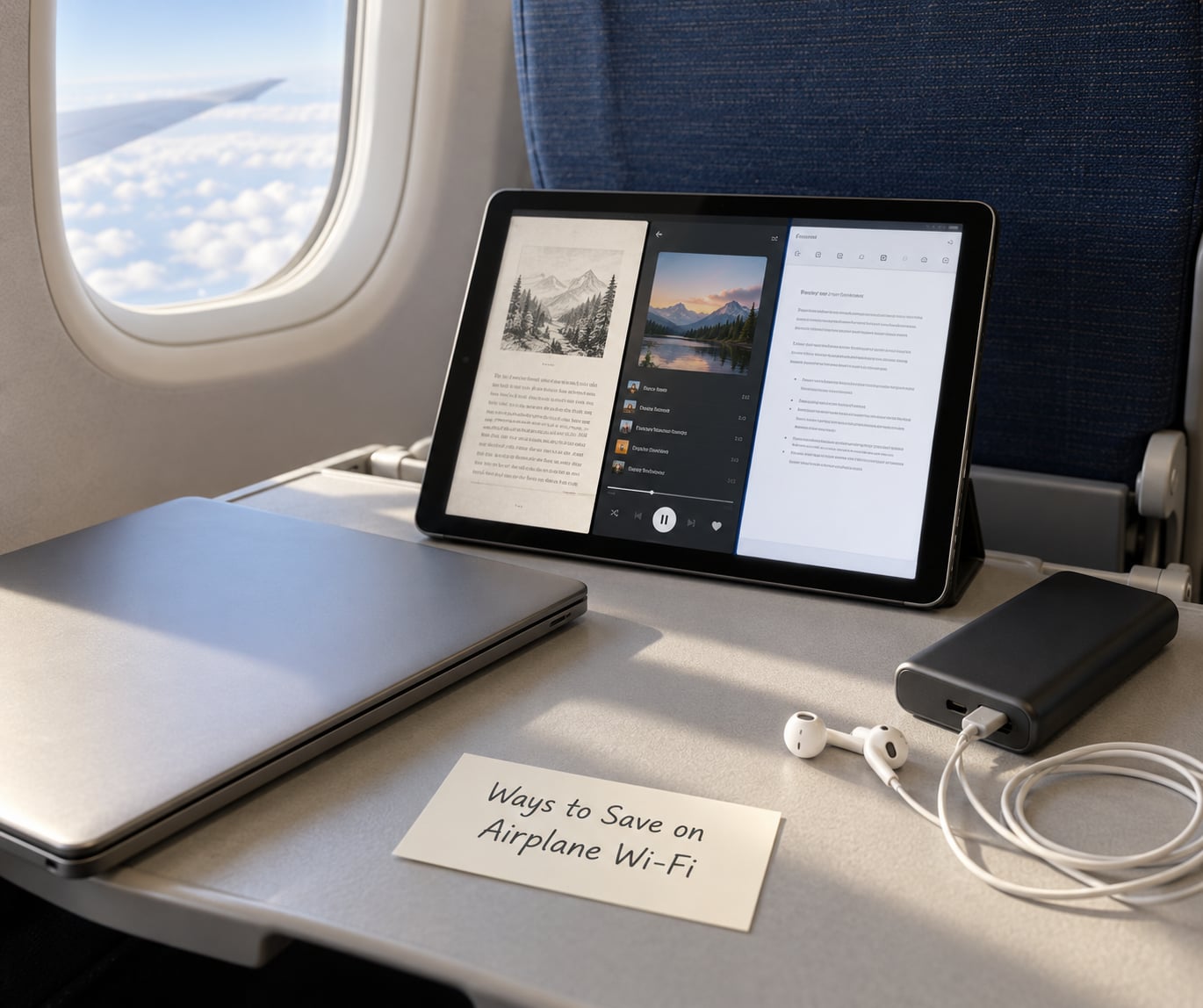
Most people overpay simply because they never checked the free options. These are the ones that work.
- Enroll in the airline’s free loyalty program. Several carriers unlock basic connectivity for members, and you can sign up from your phone minutes before boarding.
- Check whether your mobile plan bundles in-flight data. Some US mobile plans include satellite messaging or airport Wi-Fi add-ons, which can beat a per-flight pass.
- Use a single-device package if you only need one phone online.
- Skip live video. Video calls are blocked almost everywhere, so paying for bandwidth for them is a waste.
- Download before departure. Podcasts, films, work files and boarding-pass backups cost nothing and work on any seat.
- Keep airplane mode on. Auto-connect drains a battery that you may want at landing.
- Compare the alternatives honestly. Airport Wi-Fi during a long layover, an eSIM with roaming, or the seatback entertainment you already paid for may cover the same need at no extra cost.
One warning from the forums: some airlines advertise free service in the cabin that does not exist on that particular aircraft. Ask a flight attendant before you budget around it.
Frequently Asked Questions
Is airplane Wi-Fi worth paying for on a short flight?
Usually not. On a flight under three hours, the free messaging tier on most carriers handles chat apps and email, and downloading a podcast or two before boarding costs you nothing. Pay only when something timed lands in the air, or when your airline does not offer free messaging on that aircraft.
How much does airplane Wi-Fi usually cost?
Full-access passes commonly land between 6 and 25 dollars for one flight, and published rates across carriers run from under 2 dollars for a short messaging session to close to 50 dollars on the priciest long-haul plans. Messaging-only tiers sit at the bottom of that range and streaming upgrades at the top. Prices vary by airline, route, cabin and aircraft, and they change over time.
Can you make video calls or stream with airplane Wi-Fi?
Voice and video calls are blocked on almost every airline, on paid and free tiers alike, and some carriers block the apps outright. Streaming works on the fastest equipped aircraft with a streaming package, but not reliably on older Gogo and Panasonic systems. Assume you can text, email and browse, and set your expectations before boarding.
Is free airplane Wi-Fi faster or cheaper than a paid plan?
Free service is cheaper by definition and no slower for messaging and email, because that tier is capped low on purpose. Paid access buys speed: browsing, file transfers and streaming on aircraft with newer satellite systems. When both are offered on the same plane, the free tier usually covers a four-hour flight comfortably.
How can I get free Wi-Fi on a plane?
Join the airline’s free loyalty program before you board. Several carriers hand out basic connectivity to members, and signing up takes a couple of minutes in the app. Also check whether your mobile plan bundles in-flight data or airport Wi-Fi, and whether a credit card in your wallet includes Wi-Fi passes. Check the aircraft equipment too, since not every plane has service.
Conclusion
Is airplane Wi-Fi worth paying for? Pay on long flights when you have real work to do and no other way to do it. Skip it on short hops, skip it if you only need messages, and skip it whenever your airline already gives the service away.
Three things to do before you board: check the aircraft and whether it has newer satellite hardware, estimate the hours of online work the route demands, and sign up for the free loyalty program that may cover the whole flight. Pay only when the speed on that specific plane will match the task you have in mind.