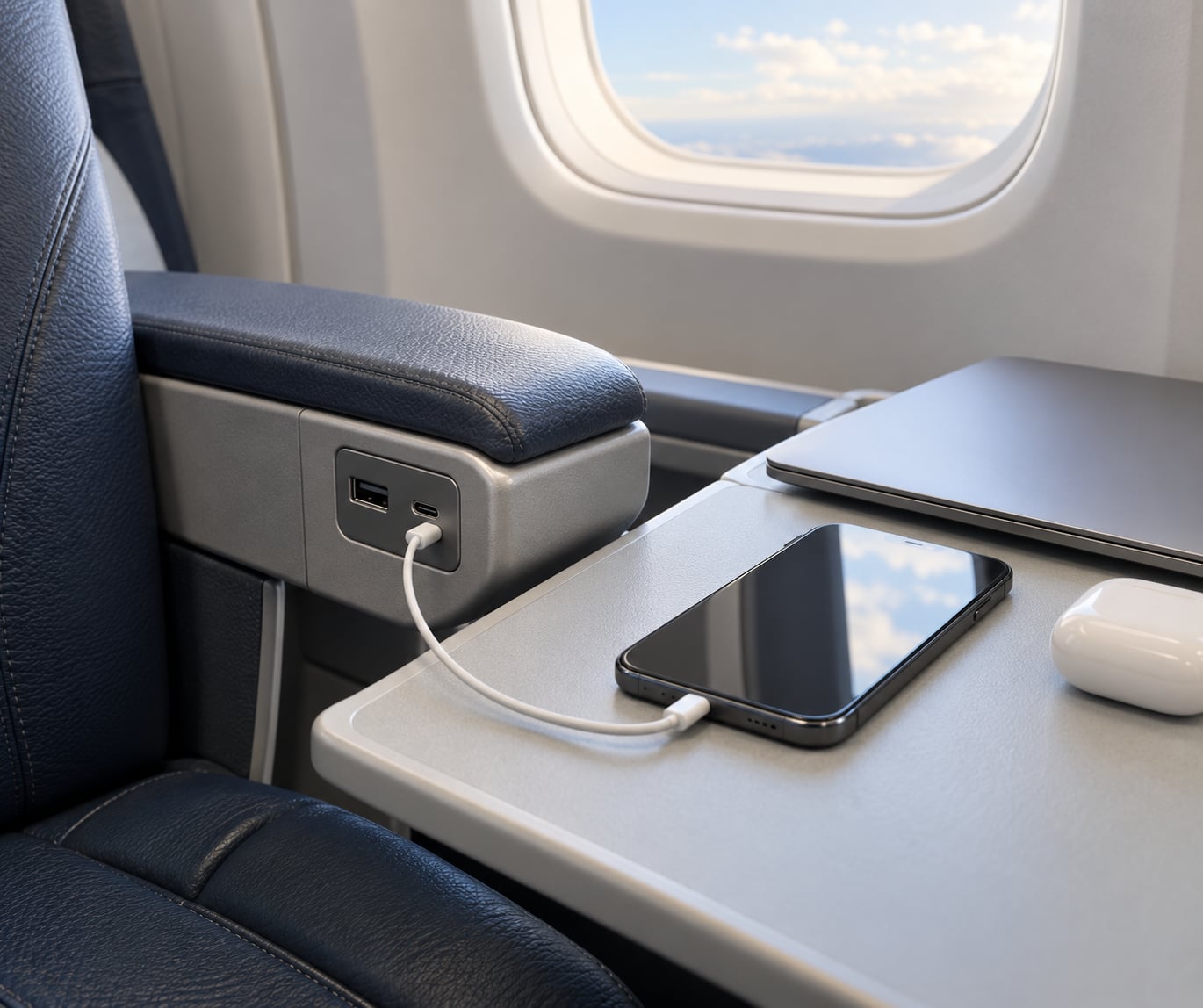
In-seat USB ports are sockets wired into airplane seats that take power from the aircraft’s own electrical system, convert it to low-voltage DC, and hand it to your phone, tablet, watch or earbuds through a USB-A or USB-C plug. The speed you get depends on the port’s wattage, how much of it your device can accept, and how many people in your row are drawing at once.
Most of the confusion about in-flight charging comes from two different things being confused: whether a port exists, and whether it delivers enough power to matter. A port can be physically present in row 14 and completely dead, or fully working but capped at 10 watts while your phone could take 30.
This guide covers how in seat USB ports work on planes end to end, from the generators in the wings to the connector on the end of your cable, plus why some rows in the same cabin work and others do not, and what to do when nothing happens.
Table of Contents
- How In Seat USB Ports Work on Planes
- What Powers an Airplane USB Charging Port?
- What Voltage and Amperage Do In-Seat USB Ports Use?
- USB-A vs. USB-C In-Seat Charging Ports
- Why Do Some In-Seat USB Ports Charge Slowly?
- Can You Charge a Laptop From an Airplane USB Port?
- How to Get the Most Reliable Charge on a Plane
- Do Airplane USB Ports Support Data Transfer?
- Frequently Asked Questions
- Do all airplane seats have working USB ports?
- Are airplane USB-C ports faster than USB-A ports?
- Can I charge my phone without a wall adapter?
- Why does my airplane USB port stop charging?
- Can I connect a laptop to an in-seat USB port?
- Should I bring a portable charger for a flight?
- Conclusion
How In Seat USB Ports Work on Planes
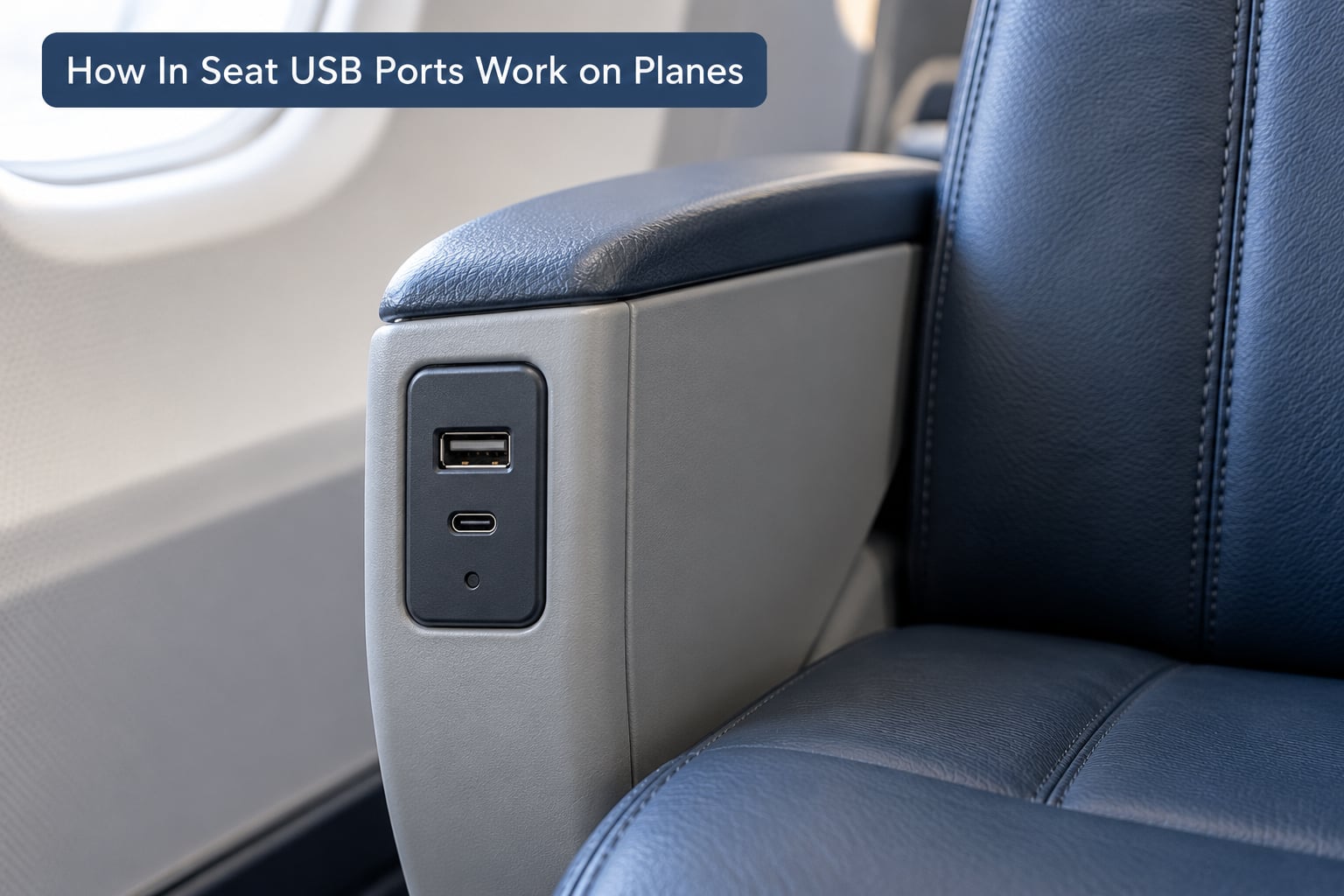
Here is the short version: the aircraft’s engines or auxiliary power unit generate electricity, it runs through the onboard AC bus, and a power supply unit mounted behind each row of seats taps into that bus. The supply unit rectifies the AC into DC, steps the voltage down, and regulates it to a fixed output, typically 5 volts. That regulated power is split across the row’s ports and delivered to whatever is plugged in.
Your device is the last stop in the chain, and it has a say. Charging in USB is a negotiation: the port advertises what it can supply, the phone or tablet asks for what it wants, and the two settle on the highest level both support. That is why a phone that fast-charges from a wall plug in an airport can crawl when plugged into a seat port offering a fraction of the power.
Three things determine the result. The port’s rated output, the cable between the port and your device, and what the device is prepared to draw. Nothing about the airline logo matters. Two different airlines can have completely different port hardware on aircraft of the same age.
Where the ports physically sit depends on the seat design. Armrest modules, the rear panel of the seatback, sidewall panels on widebody cabins, and under-seat boxes all exist in service today. Under-seat outlets get overlooked the most.
What Powers an Airplane USB Charging Port?
Aircraft electrical systems are simpler than they look to most passengers. In flight, the engines drive generators that feed the aircraft’s main AC distribution bus. On the ground, the auxiliary power unit, or APU, at the tail provides power instead while the engines are off, which is what runs the cabin systems during boarding.
From that main bus, the cabin draws a set number of power channels. Each channel feeds a group of rows, and within a group, a power supply unit handles the conversion and divides the available wattage between the seats it serves. A seat power supply unit is usually a box tucked behind the seatback or under the floor, and the ports you see are just the connectors at the end of its wiring.
That division is the part people miss. A row’s supply is a shared budget. If a row’s power supply is rated for a certain total output and two passengers in that row both plug in, each device receives a portion of it. The same thing happens at the channel level: several rows can share one supply, and a fault in a single supply unit can take out an entire pair or group of rows rather than one socket.
Power availability is also switched on only when the aircraft is running. In many cabins, the seat modules stay dead on the ground with the engines off and come alive after pushback, which is why a port that did nothing at the gate may work an hour later.
This is also why a guarantee at the airline level means very little. Port availability follows the airframe and the retrofit status of that specific aircraft, plus the condition of the individual row’s hardware. A passenger on a widebody long-haul expecting ports in every row has been disappointed before, and a premium cabin on a narrowbody can lack standard USB entirely.
What Voltage and Amperage Do In-Seat USB Ports Use?
USB charging is measured in volts, amps and watts, and the relationship is simple: watts equal volts multiplied by amps. A port putting out 5V at 2.1A provides 10.5 watts. A port advertising 30W via USB Power Delivery negotiates a higher voltage and current combination to reach that number.
The ratings below are typical maximums for the port type, not promises. Actual output depends on the outlet, the seat, the aircraft, the airline and the device you attach.
| Port or outlet type | Typical maximum output | What it realistically charges well |
|---|---|---|
| AC mains outlet (110V or 230V) | Full household power, shared per seat or per pair | Laptops, plus anything with a wall charger |
| USB-A, basic | 5V / 1A, about 5W | Phones overnight, earbuds, watches |
| USB-A, higher current | 5V / 2.1A, about 10.5W | Phones, small tablets, e-readers |
| USB-A with Quick Charge | Up to 18W | Modern phones at near-fast speed |
| USB-C with Power Delivery | 30W | Phones, tablets, ultrabooks |
| USB-C with Power Delivery, higher tier | 45W to 65W | Most laptops except large power-hungry models |
On a three-hour flight, the difference is easy to feel. Ten watts might add a modest percentage to a large phone, while thirty watts can take a phone from low to most of full. Over a long-haul flight with a depleted battery, that gap decides whether you land with a usable phone.
USB-A vs. USB-C In-Seat Charging Ports
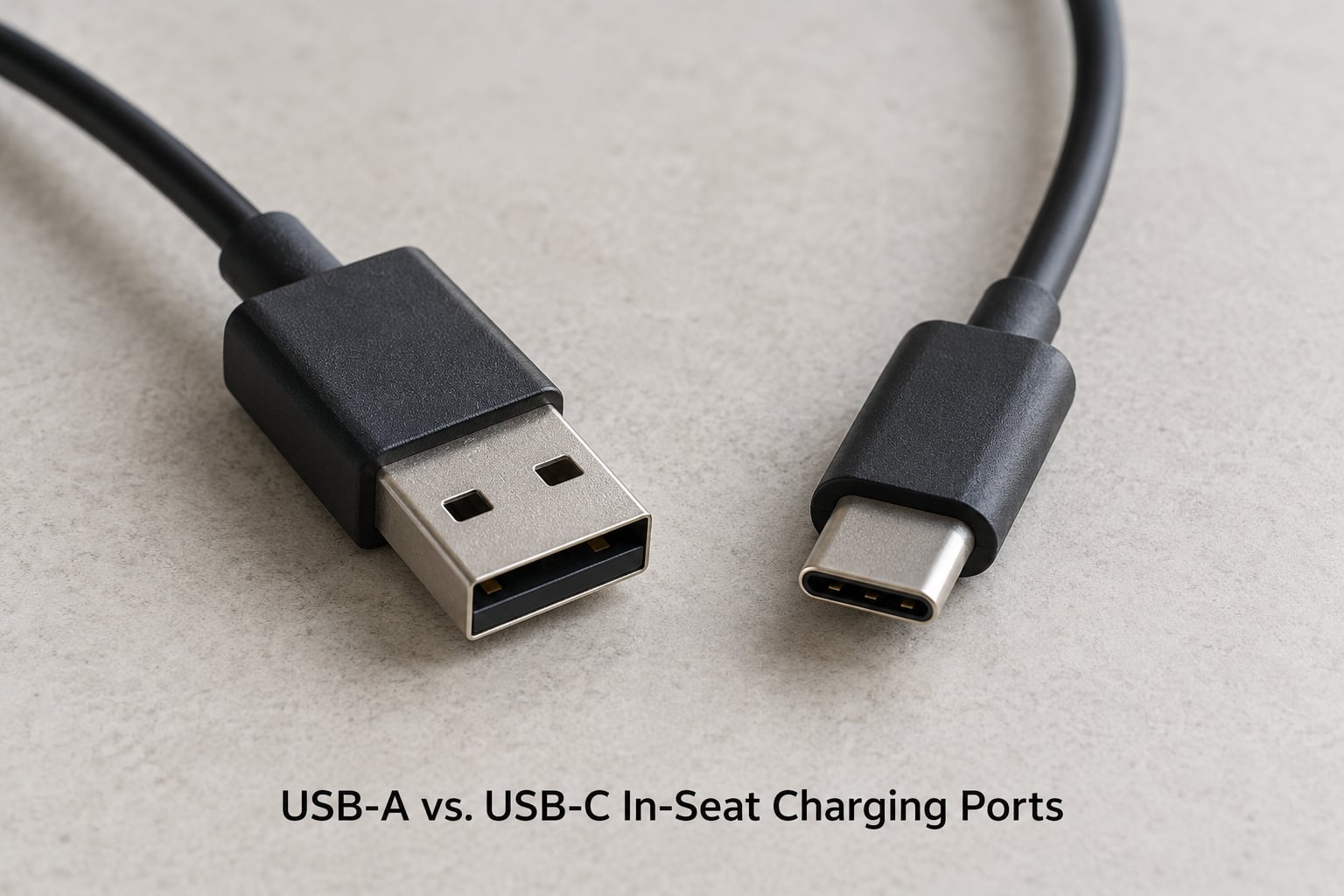
USB-A is the old rectangular socket you have been plugging into for years. USB-C is the small symmetrical oval connector that works either way up and carries more power. Both appear on modern aircraft, sometimes in the same seat, and a USB-C port is not automatically the fast one.
| Factor | USB-A | USB-C |
|---|---|---|
| Connector shape | Rectangular, one orientation only | Small oval, reversible |
| Devices supported | Most older phones, tablets, e-readers | Newer phones, tablets, laptops, newer accessories |
| Charging speed | Usually 5W to 18W, some ports higher | Range from 10W up to 65W depending on the port |
| Cable needed | Standard USB-A to USB-A or USB-A to Lightning or Micro-USB | USB-C to USB-C, or USB-C to your device’s connector |
| Adapter needed | None for a phone that takes USB-A | None for a USB-C device; older devices need an adapter |
| Data transfer | Rare on seat ports, usually power only | Usually power only on seat ports, occasionally data capable |
The catch with USB-C is that the connector is standardized, not the power. A USB-C port might deliver 10W, 30W or 65W, and the moulded symbol or label beside it is the only way to know. Check the marking next to the port before you commit to a strategy, and check the charging block on your own cable, because a cable rated for 60W with a port rated for 30W still gives you 30W.
Why Do Some In-Seat USB Ports Charge Slowly?
A slow charge on a plane is far more often a design limit than a broken port. These are the usual causes.
Shared power. Two passengers plugged into the same row divide the row’s budget, and rows fed by the same channel share again. A phone that draws 15W alone might get 7W with a neighbour’s laptop also connected.
Your cable. Charge-only cables and thin cables with poor connectors are the most common fixable cause. A cable that charges slowly at home will charge slowly in the air.
Your device’s own limits. Phones throttle charging when they get warm, and most slow down substantially above a certain battery level to reduce wear. A tablet or laptop left open with a bright screen and video playing draws far more than a phone in a pocket.
Battery age. An older battery that no longer accepts its rated charge current will never draw the full amount a port offers. Same symptom, different cause.
Background use. Streaming, navigation and camera use while plugged in can consume the incoming charge, leaving the battery flat rather than rising.
Intermittent power. Some modules cycle on and off, or only deliver when the seat is upright and the tray table is stowed. Passengers also report phones restarting in a loop after connecting to a faulty seat port, which points at the port rather than the battery.
One more, and it catches people out: switching to airplane mode does make a phone charge faster, but only by a modest amount. It is not the fix for a genuinely slow port.
A different cable solves the problem outright when the port is fine and the cable is the weak link. If the phone shows a charging symbol and the battery barely moves, suspect a port with a low ceiling. If there is no symbol at all, suspect the cable, the port, or both.
Can You Charge a Laptop From an Airplane USB Port?
Usually not usefully. Most seat USB ports top out between 5W and 30W, while a typical laptop needs 45W to 100W depending on the model. Plugging in at 10W does not charge a laptop; in practice it either does nothing or drains the battery while the machine is in use.
Two situations do work. A USB-C port rated at 45W to 65W can charge a thin ultrabook while it is asleep, and some premium cabins fit a full AC mains outlet, which is the equivalent of a wall socket and handles anything. If you need to work a laptop on battery for the whole flight, plan on a charged power bank or an outlet in a lounge, and treat seat power as a top-up opportunity rather than a plan.
How to Get the Most Reliable Charge on a Plane
Check before you fly. Airline seat selection tools and fleet pages often carry a power icon or note for an aircraft type, which tells you whether ports exist at all. Keep in mind that aircraft substitution happens, so the equipment you booked may not be the equipment you board.
Bring a cable that is rated for the port you expect, not the thinnest one in the bag. A second cable costs little and settles most failures instantly.
Connect after takeoff, once the cabin modules are live, and start with your device above roughly 20 percent if you care about how much you gain. Below that, phones draw trickle current to protect the battery.
Keep the device out of direct sun on the window seat and stow the tray table if the port or module only works with it closed. Both habits reduce heat, and heat is what triggers throttling.
Avoid hubs, multi-port adapters and anything with an extra light. They draw their own power and pass on less of it.
Test another port in the same row, then the under-seat outlet before writing the row off. A commenter in a Delta passenger thread pointed out that under-seat outlets are often on a different supply and less used, so they are worth trying when the armrest port is dead.
Ask the cabin crew if everything nearby is dark. They can tell you whether other rows in that cabin are working, which separates a single dead supply from a wider problem.
Carry a charged power bank as backup, and note the rules. Power banks generally travel in carry-on baggage only, not checked, and are typically capped at 100Wh. Spare batteries need terminals protected against short circuit. Airlines tightened these policies during 2026, and some carriers now restrict or ban portable chargers outright, so check your airline’s current wording before packing one.
Do Airplane USB Ports Support Data Transfer?
Almost never. Seat USB ports are fitted for charging, and the ones in economy are power-only in practice. Even where a port is physically data-capable, an aircraft cabin has no network connection behind it for a data session, so there is nothing useful to sync with.
That matters for the data-theft question, which is the most mis-stated one in this topic. Airport public charging counters and public lounge pedestals are where tampering reports concentrate, because they are unattended and open to anyone. Aircraft seat ports are inside a crewed cabin, installed behind a locked panel, and supplied from the plane’s own low-voltage system, so they are not the same risk. The genuine concern on a plane is a faulty or damaged port delivering unstable voltage, not someone reading your files.
Frequently Asked Questions
Do all airplane seats have working USB ports?
No. Port availability depends on the individual aircraft and the row, not the airline. Some aircraft were retrofitted after delivery, and different seat rows can be fed by different power supply units. A row can also have ports that are physically present but dead. Treat seat power as a convenience rather than a guarantee.
Are airplane USB-C ports faster than USB-A ports?
Usually, but not automatically. USB-C is a connector shape, not a power rating, so a USB-C port might deliver 10W while a USB-A port with Quick Charge delivers 18W. Check the symbol or label beside the port for the wattage, and remember your cable also has a ceiling.
Can I charge my phone without a wall adapter?
Yes, for most phones. If your device charges over a plain USB cable, plug it straight into the seat port and skip the wall adapter entirely, which is one less thing to pack. Older devices with a barrel connector or a proprietary dock still need their own adapter, and those draw far more power than a seat port can usually supply.
Why does my airplane USB port stop charging?
Start with the cable, since a faulty or charge-only cable is the most common cause. Then test a second port in the same row, the under-seat outlet, and a different row. If several ports behave the same way, the supply is likely dead or the module is intermittent. Background use and device heat can also make charging appear to stop.
Can I connect a laptop to an in-seat USB port?
Not usefully in most cases. Seat USB ports commonly top out between 5W and 30W, while most laptops need 45W to 100W. A USB-C port rated 45W to 65W can charge a thin ultrabook while it sleeps, and a full AC mains outlet in a premium cabin will handle any laptop. Plan on a charged power bank for anything heavier.
Should I bring a portable charger for a flight?
Yes, if you depend on your phone for anything during the flight. Seat ports are unpredictable, they are often slow, and in-seat power usually switches on after takeoff. Keep the power bank under 100Wh, carry it in your cabin baggage only, protect the terminals, and check your airline’s current policy since restrictions tightened during 2026.
Conclusion
In-seat USB ports take power from the aircraft’s own electrical system, convert and regulate it, and split a limited, shared budget across a row’s sockets. That is the whole mechanism, and it explains the slow charges and the dead ports people complain about.
Look at the label beside the port for the wattage, pack a cable rated for it, and carry a charged power bank under 100Wh. If a port does nothing, work through a second cable, a second port, the under-seat outlet, then ask the crew.