Aircraft swaps are normal, and checking one takes about two minutes. To check if your plane has been swapped, open your airline app for the current aircraft assignment, then search your flight number in a free flight tracker and compare the tail number it shows against the aircraft on your booking. If the two differ and you need a specific seat or cabin product, contact the airline before you leave for the airport.
The reason people get caught out is that the aircraft type printed on a booking confirmation is a plan, not a promise. Airlines routinely substitute a different airframe for maintenance, weather, crewing or rotation reasons, and that substitution can happen as late as the gate.
This guide covers the exact workflow for verifying your assignment, the places to look on the day itself, and what actually changes for you when the aircraft does.
Table of Contents
- What You Need
- Step-by-Step: How to Check If Your Plane Has Been Swapped
- 1. Check your booking or airline app
- 2. Compare the aircraft with your original plan
- 3. Check the latest flight status
- 4. Review the seat map and cabin layout
- 5. Contact the airline if the difference matters
- Common Mistakes
- Frequently Asked Questions
- How can I tell if my flight is using a different plane?
- Does an aircraft swap automatically mean my seat assignment changed?
- When does an airline usually notify passengers about a plane change?
- Can I keep my seat if the assigned aircraft is different?
- What should I do if the swapped plane has fewer in-flight amenities?
- Is a flight number change the same as an aircraft swap?
- Conclusion
What You Need
You do not need anything paid to do this. You need four things, and you probably already have all of them.
- Your booking confirmation. This gives you the scheduled flight number, route and the aircraft type the airline originally planned. Treat the type as provisional.
- The airline app or website. This is the airline’s own record of what it currently intends to fly, and it is the source you compare everything else against.
- The flight number and travel date. Both matter. The same flight number flies a different aircraft on a different date, so a tracker search without the exact date will mislead you.
- A free flight tracker. A live tracker is what converts a flight number into an actual airframe identity.
- Optional: your own notes. If you checked the aircraft at booking time, a screenshot of that page is genuinely useful later, because it gives you a dated baseline to compare against.
What the tracker adds that the airline app does not is certainty about which physical aircraft is attached to your flight number right now. What the airline app adds that the tracker does not is intent, because a tracker reports what the flight data says, while the airline reports what it plans to operate.
Step-by-Step: How to Check If Your Plane Has Been Swapped
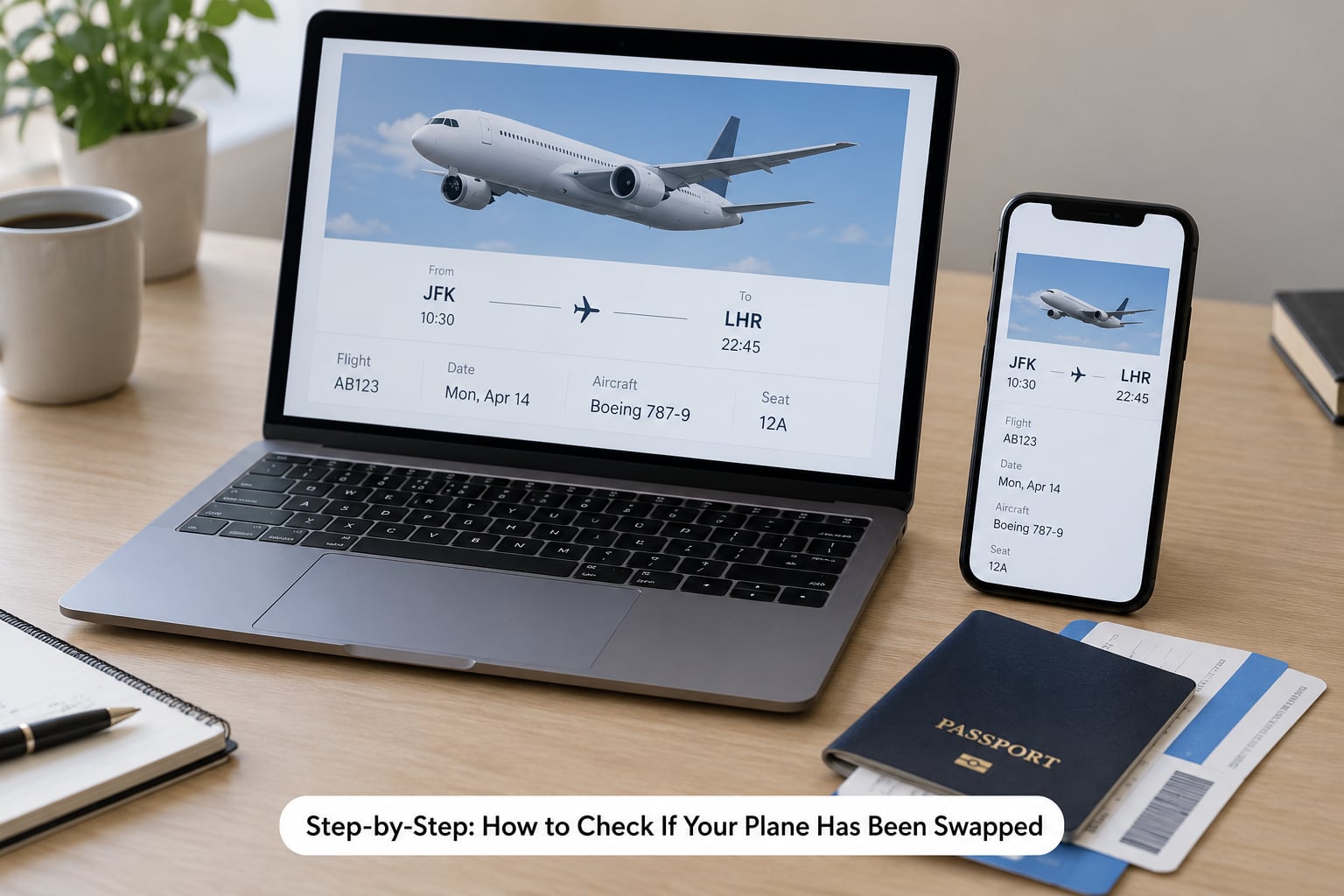
Run the check in this order: airline record first, tracker second, seat map third, phone call only if the difference affects you. Doing it the other way around, starting with the tracker, is how people end up convinced they were subbed out when nothing changed.
1. Check your booking or airline app
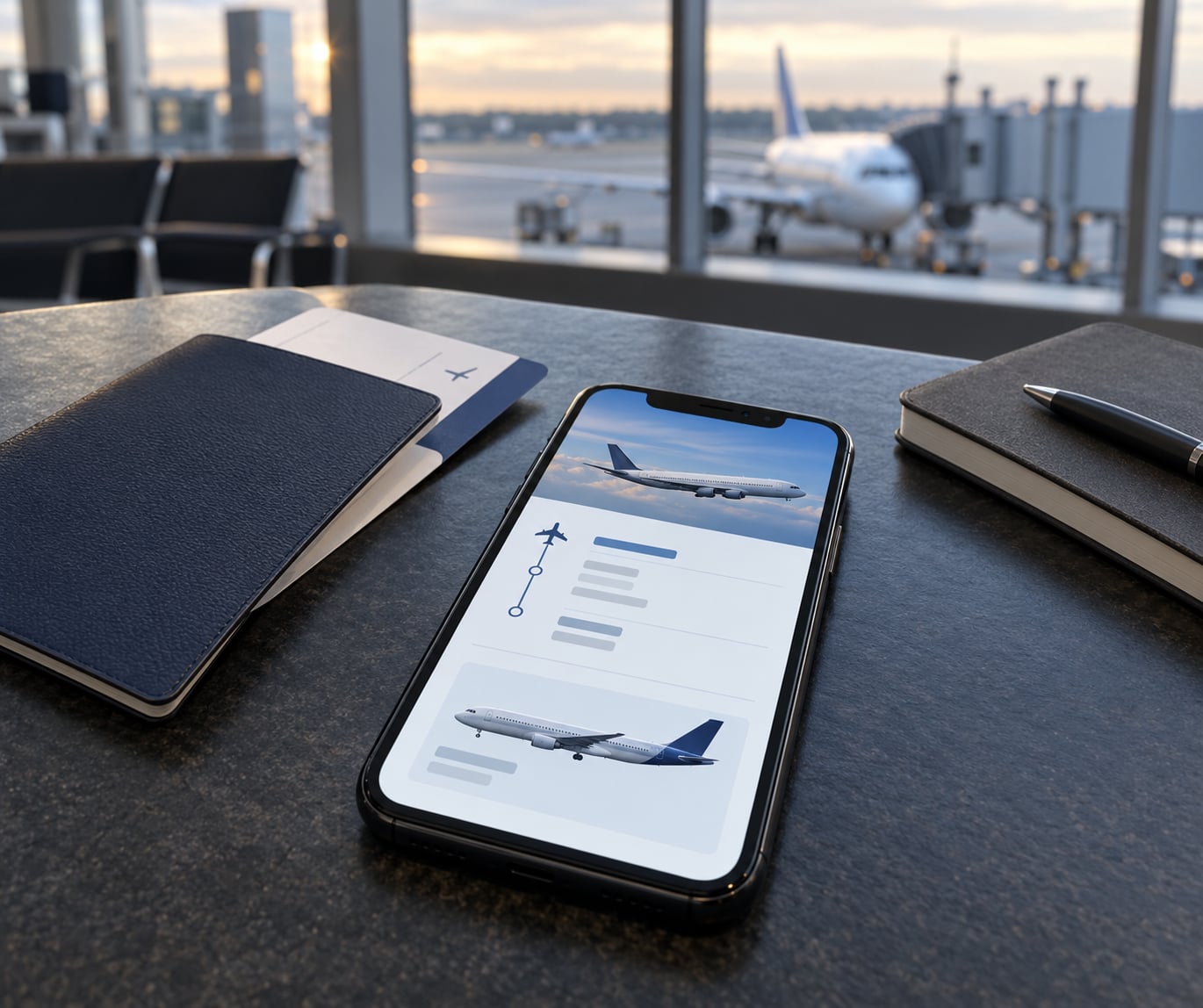
Open the flight in the airline app and look for the aircraft field on the trip or flight details screen. Most major carriers list the equipment there, and some show the specific tail number or registration for your flight.
Also note the departure time, cabin and seat assignment in the same pass, because those are what you will be checking for changes later. An app that has not been refreshed since you booked can display a stale itinerary, so pull down to refresh or reopen the trip before you trust what you see.
2. Compare the aircraft with your original plan
Write down what your airline app currently shows, then compare it with what your confirmation or your original notes said. Three different things can produce a mismatch, and only one of them is a true swap.
- A different aircraft of a similar type. This is an equipment swap, and it is the ordinary case.
- A different airline name in the tracker. On a codeshare, the marketing carrier sells the flight while a partner operates it. Seeing another carrier’s tail number is not a swap, it is who actually flies it. Check the operating carrier before you panic.
- A different time and route. That is a schedule change, not an aircraft swap, even though the two often arrive together.
Trackers pick up the registration from the airline’s own schedule feed and, later, from the aircraft’s transponder once it moves. That is why a US flight number can show a tail number days ahead while an international flight number often shows nothing until closer to departure. Different data pipelines, not a meaningful difference in how the airline decided.
3. Check the latest flight status
Search your exact flight number and date in the tracker, then read the current status line and the registration field. Status tells you whether the inbound aircraft is on time, delayed or diverted, and a delayed inbound is one of the most common triggers for a last-minute change.
The airline’s Operations Control Center makes these calls in real time. When the inbound leg runs late, the crew hits a duty limit, or a maintenance item comes up on the assigned airframe, the airline solves a schedule problem by putting a different aircraft on your flight. That is routine dispatch work, not a warning sign about your booking.
4. Review the seat map and cabin layout
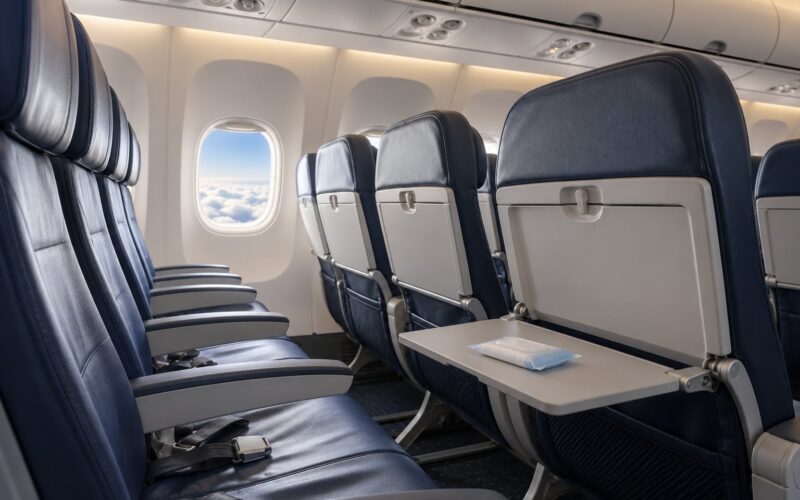
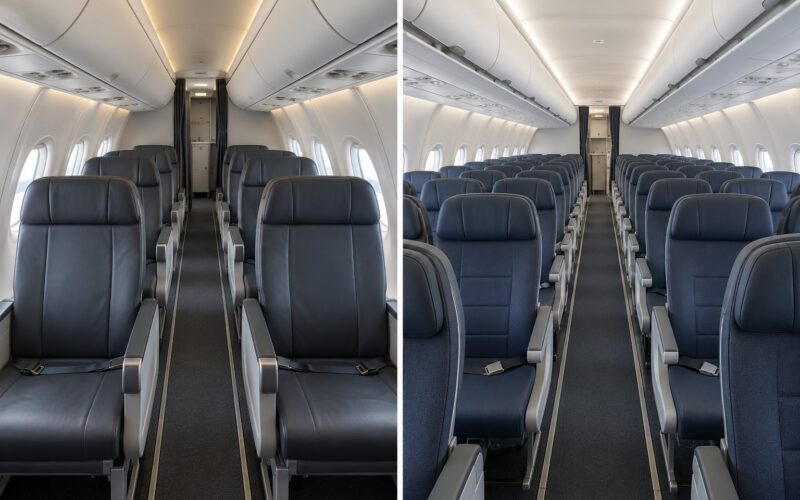
This is the part that matters most in practice. Aircraft in the same family do not have identical layouts, and a substitution can change your seat number, the cabin behind you, or the seat pitch you paid for.
Open the seat map in the airline app after you have confirmed the aircraft, and check that your seat still exists in the same place. Pay particular attention to premium products, extra-legroom rows and any cabin you booked specifically for a reason. On a codeshare or a wet-lease substitution, the operating carrier may also run a different cabin configuration than the marketing carrier sells.
5. Contact the airline if the difference matters
Call or message the airline, using the app’s chat or the number on your booking, when the change affects accessibility arrangements, a mobility device, an infant bassinet, a paid seat you specifically chose, or a premium cabin product you booked.
Ask what aircraft is assigned, whether your seat number is still valid, and whether your fare rules change. Be specific and calm. Agents can confirm an assignment far more easily than they can defend a general complaint, and you will get a clearer answer before boarding than after.
Common Mistakes
Confusing a schedule change with an equipment swap. A departure time that moved by an hour is not a different airplane. Check whether the aircraft field changed, not whether the clock did, or you will chase a problem that does not exist.
Relying on an old screenshot or a third-party site. A screenshot from booking day proves what the airline planned then, nothing about now. It is a baseline, not a live source. Booking sites and travel aggregators also lag the airline’s own record, so use them for the original plan and the airline for the current one.
Assuming your seat number guarantees the same layout. Seat 24A on the original aircraft can be a window seat on the substitute, or it can be blocked entirely for a different cabin arrangement. Re-open the seat map rather than trusting the number.
Waiting until you are at the gate to ask. Options narrow once boarding starts. If a swap affects you, the earlier you ask, the more likely you are to get a workable seat instead of whatever is left.
Treating a swap as a mechanical problem. Swaps come from four ordinary sources: unscheduled maintenance on the original aircraft, weather and recovery from irregular operations, crew duty and availability limits, and rotation changes when a plane is repositioned to serve another route. Aircraft are constantly pulled from rotations, so a substitution is routine scheduling rather than a sign anything is wrong with the airframe you were booked on.
Checking too early and treating a blank field as bad news. Before the airline locks the assignment, a tracker may show no aircraft at all. That is a data gap, not a swap.
Frequently Asked Questions
How can I tell if my flight is using a different plane?
Compare the aircraft listed in your airline app against the registration shown for your flight number in a free flight tracker. Search using the flight number and the exact travel date, since the same flight number flies different airframes on different days. If the airline’s record names a different aircraft type than the one originally planned, that is an equipment swap.
Does an aircraft swap automatically mean my seat assignment changed?
No. Seat assignments often carry over unchanged, because most carriers preserve seat numbers when the substitute aircraft has a compatible layout. You should still re-open the seat map after a change, since some cabins and premium products differ between aircraft in the same family. Verify rather than assume, especially if you booked a specific seat type or paid for seat selection.
When does an airline usually notify passengers about a plane change?
Notification timing varies widely by carrier. Some airlines push an app alert or send an email as soon as the assignment changes, while others rely on the gate display and a phone call from the gate agent. That inconsistency is a common complaint among travelers, which is why checking the airline app yourself is more reliable than waiting to be told.
Can I keep my seat if the assigned aircraft is different?
In most cases yes, provided the substitute aircraft has a compatible seat map and your seat type exists on it. Exceptions include premium cabin products, extra-legroom rows and seats that do not exist on the inbound plane. If your seat matters, check the seat map after the change and contact the airline before you leave for the airport if anything looks different.
What should I do if the swapped plane has fewer in-flight amenities?
Contact the airline and ask what your fare includes on the assigned aircraft. Amenity differences between aircraft in the same family are real, particularly around seat pitch, power availability and cabin products. Fare rules differ by carrier and route and change over time, so the airline’s own policy is the only reliable answer. Ask early, since options narrow once boarding begins.
Is a flight number change the same as an aircraft swap?
No. An aircraft swap means a different airframe operates the same flight number. A flight number change means the service itself has been renumbered, which usually happens with a schedule change or a codeshare reissue. If both the flight number and the aircraft changed, treat it as a schedule change first and confirm your itinerary with the airline.
Conclusion
Check in one fixed order: the airline app for the current assignment, a flight tracker for the registration on that flight number and date, then the seat map if the aircraft is not what you expected. Contact the airline before you leave for the airport whenever the change touches your seat, your cabin or your accessibility arrangements.
The booking page is a plan. The airline app is intent. The tracker tells you which airframe is actually attached to your flight number. Knowing which of those two you are looking at is the whole trick.