Planes do not actually block Bluetooth audio. What they restrict is the cellular radio, and Bluetooth has been explicitly permitted inside airplane mode since the FAA’s October 2013 rule, which allows passengers to keep using short-range Bluetooth accessories for the whole flight. Most people hear the airplane mode announcement once, never hear a follow-up about Bluetooth, and assume wireless headphones are off the table.
I have flown with wireless earbuds and over-ear Bluetooth headphones on both short hops and long-haul runs, and the reality is more boring than the internet suggests. Your headphones pair to your phone normally. The only thing you have to do is turn Bluetooth back on after airplane mode, and that takes one tap. The confusing part is not the technology, it is that the announcement is about something else entirely.
Table of Contents
- Why Planes Block Bluetooth Audio
- What Bluetooth Audio Restriction Actually Means
- What counts as a portable electronic device
- What airplane mode actually switches off
- What counts as a short-range Bluetooth accessory
- Why Do Airlines Restrict Bluetooth During Flights?
- The restriction came from cellular, not from wireless audio
- Why Bluetooth was exempted on technical grounds
- Why airlines can still be stricter
- Why crews ask passengers to disconnect things
- Does Blocking Bluetooth Make Flying Safer?
- Bluetooth Headphones vs Wired Headphones on a Plane
- Connection reliability
- Audio delay
- Battery and power
- Switching between your device and the seatback
- How to Use Wireless Headphones on a Flight
- Check the airline’s device policy first
- Charge everything the night before
- Pair your headphones to your phone before boarding
- On an iPhone, turn Bluetooth back on after airplane mode
- On Android, use the quick settings tile
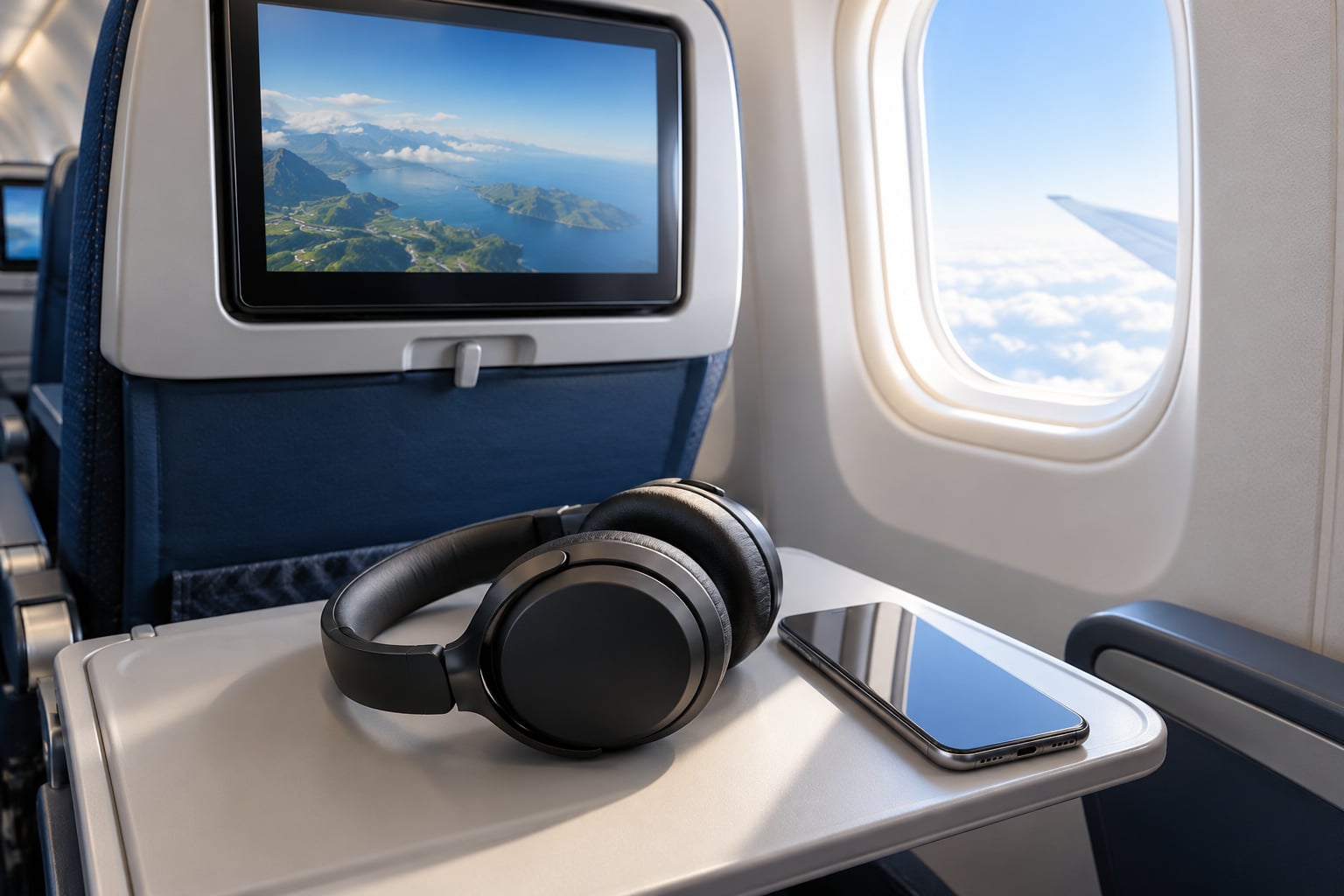
- Connect to the seatback screen if the aircraft supports it
- For aircraft with no seatback Bluetooth, use a transmitter
- What to Do If Your Bluetooth Audio Is Blocked
- Confirm airplane mode is on and Bluetooth is separately on
- Check that the headphones are not connected to something else
- Check the battery
- Reset the connection without factory resetting anything
- Check whether the aircraft or the app is the problem
- Ask the crew if policy is the actual blocker
- Frequently Asked Questions
- Can Bluetooth still work in airplane mode?
- Why is Bluetooth allowed on planes when cellular is not?
- Are Bluetooth headphones allowed on planes?
- Can you use wireless headphones with in-flight entertainment?
- Do I really have to use airplane mode when flying?
- How do I stop airplane mode from turning off Bluetooth?
- Conclusion
Why Planes Block Bluetooth Audio
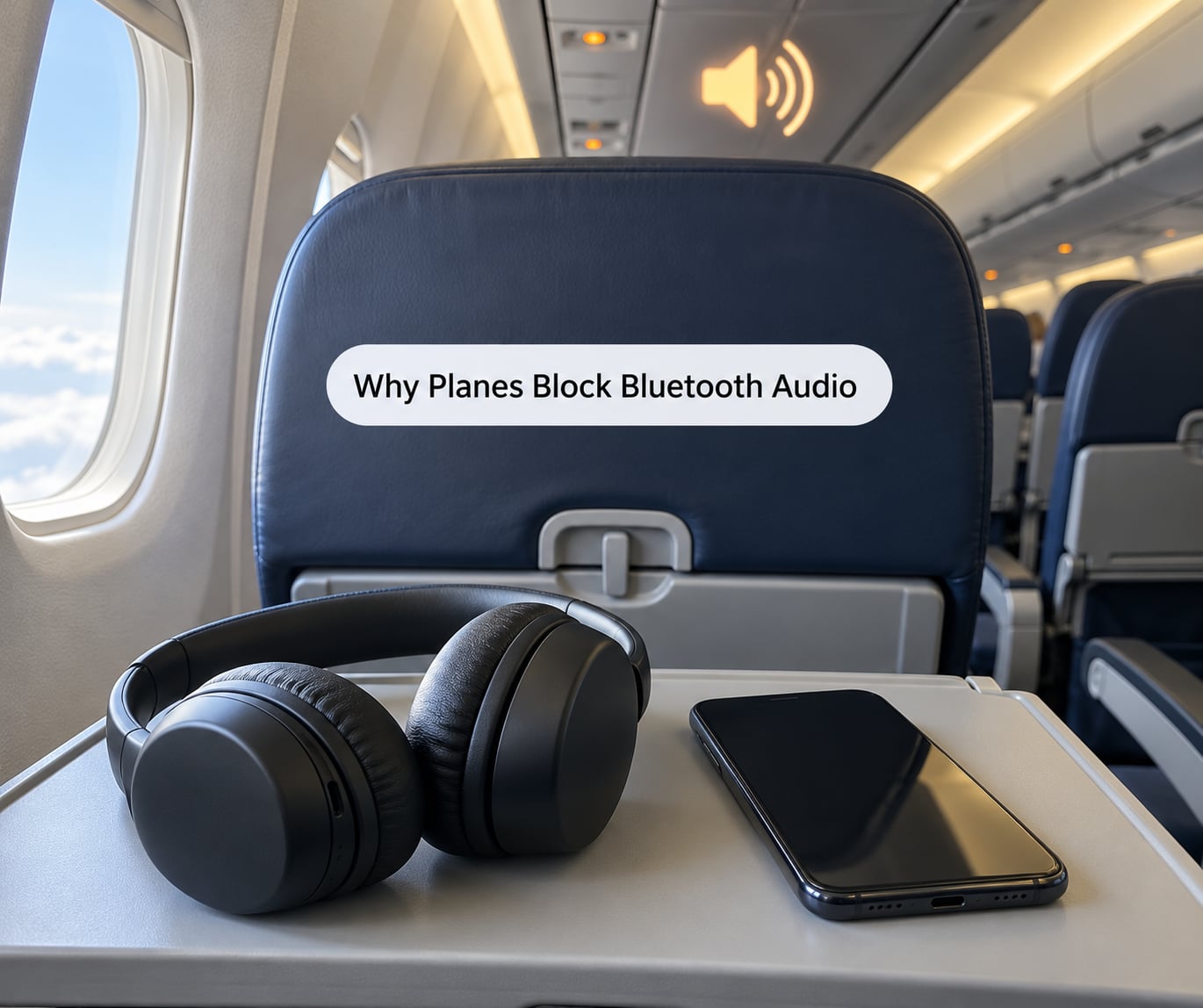
The short answer: they do not. Aircraft restrict the cellular transmission because a phone trying to attach to a ground tower at altitude is the one radio signal that genuinely risked interfering with avionics. Bluetooth transmits at a fraction of the power, over metres rather than kilometres, and it never talks to a cell tower, so it was carved out of the restriction years ago.
The wording in the FAA’s own announcement is unambiguous. In October 2013 the agency published guidance letting airlines expand passenger use of portable electronic devices in airplane mode from gate to gate, and it spelled out the Bluetooth exception: you can continue to use short-range Bluetooth accessories, like wireless keyboards or headphones, while your phone is in airplane mode.
So when you hear “all electronic devices off, except medically approved devices” on a regional carrier, that carrier is running a stricter policy than the federal baseline. It is not the FAA talking, and it is not a technical limitation. Your headphones still pair fine, you are just choosing a flight where the crew will ask you to power everything down.
The practical takeaway for 2026: check the policy for the specific airline before you fly, turn Bluetooth back on after you enable airplane mode, and pack a wired 3.5 mm pair as backup for aircraft whose seatback screens have no Bluetooth at all.
What Bluetooth Audio Restriction Actually Means
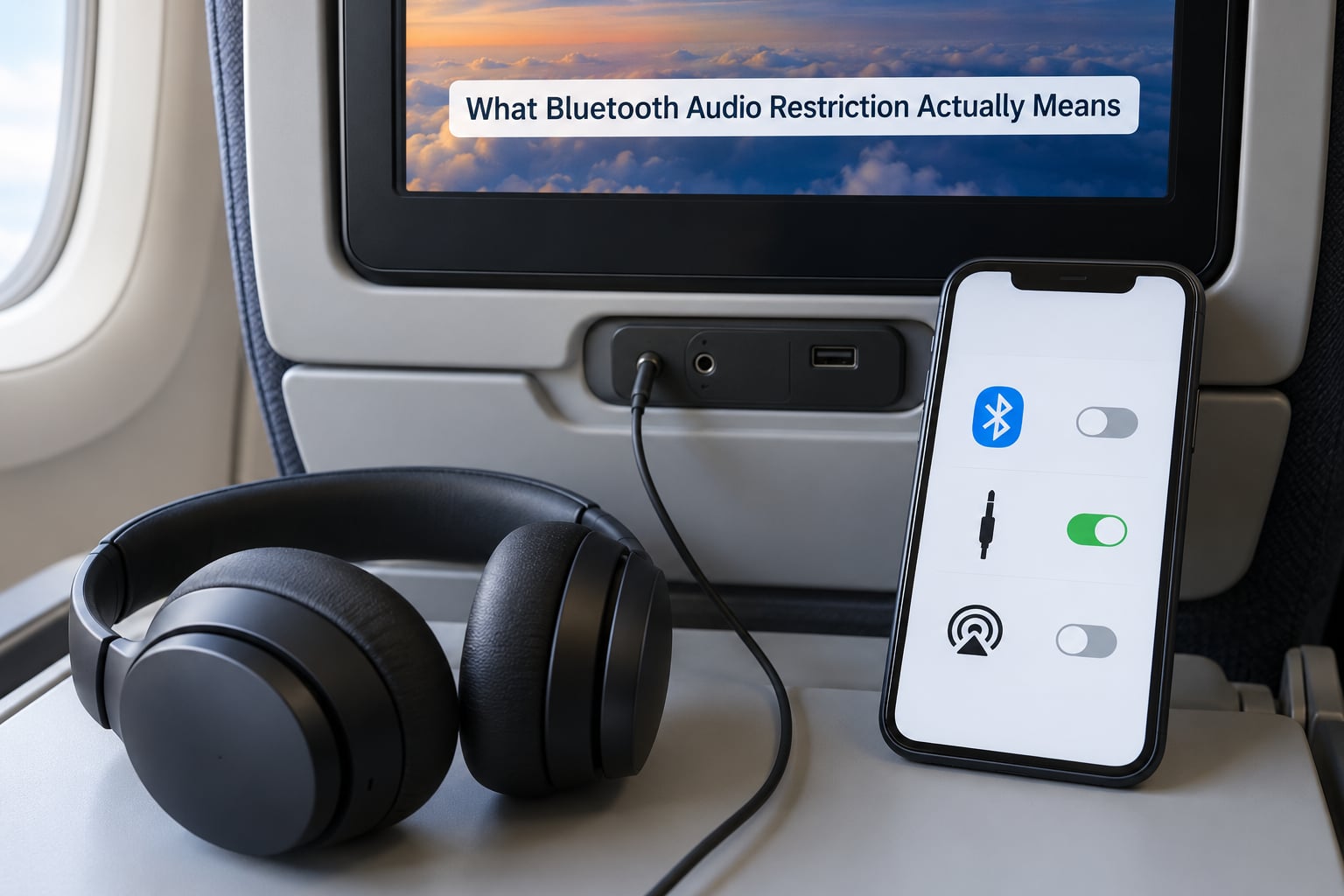
Three terms cause nearly all the confusion here, so it is worth pinning them down before anything else.
What counts as a portable electronic device
A portable electronic device, or PED, is any personal device that can be carried on: phones, tablets, laptops, e-readers, smart watches, headphones and their charging cases. The restriction was never a general electronics ban. It has always been about transmission strength and what the radio is trying to do.
What airplane mode actually switches off
Airplane mode disables the cellular radio. On a modern phone you can switch Bluetooth and Wi-Fi back on individually while airplane mode stays enabled, and the setting persists across flights. This is the single most persistent myth: plenty of travellers still believe airplane mode kills Bluetooth permanently. It does not, and on iPhone and Android it has not for years.
What counts as a short-range Bluetooth accessory
Short-range Bluetooth accessories are personal devices that talk to your own gear over a few metres: earbuds, headphones, keyboards, watches. The exception does not extend to Bluetooth that bridges to the aircraft or to another passenger’s device, and it never covers Bluetooth calling over the cellular network, which is a different feature entirely.
Here is a clean separation of what each mode does, because the overlap is where people get stuck.
| Mode | What it does in flight | Allowed? |
|---|---|---|
| Cellular voice and data | Tries to attach to a ground tower, high transmit power | No, except where a carrier offers in-flight cellular service |
| Bluetooth audio | Short link between your own headphones and your own device | Yes, in airplane mode |
| In-flight Wi-Fi | Connects you to the airline network on board | Yes, usually paid |
| Bluetooth to seatback screen | Links headphones to the aircraft entertainment system | Yes, on aircraft that have it |
| Bluetooth headset for calls | Microphone and speaker, still needs cellular or Wi-Fi calling | Allowed in the cabin by many airlines, often not by all |
Rules shift with the airline, the aircraft type, the departure country and the flight phase. A US domestic carrier, a European carrier and a small regional operator can each publish a different document and all of them can be operating lawfully.
Why Do Airlines Restrict Bluetooth During Flights?
The headline reason people hear is radio frequency interference with avionics. That is real, but it is not what you think, and it never applied to Bluetooth in the first place.
The restriction came from cellular, not from wireless audio
The electronics restrictions date back to the era when portable devices meant laptops with cellular modems and early mobile phones, and the concern was a phone at altitude attempting to register with a terrestrial tower at maximum power while the aircraft flew through that tower’s coverage area. If a handset is transmitting hard and trying to hand off between distant cells, the theory was that stray energy could degrade navigation or communication equipment. That testing and worry predates Bluetooth entirely, which appeared commercially in the late 1990s.
Modern aircraft equipment turned out to be far more resistant to stray signals than the original standards assumed, and the Federal Communications Commission also prohibits airborne cellular operation deliberately, for network coordination reasons as much as for safety. That dual origin is why the answer to why planes block Bluetooth audio is that they never did.
Why Bluetooth was exempted on technical grounds
Three properties put Bluetooth in a different category from a cellular radio. It operates in a licence-free spectrum band at low power. Its range is measured in metres, so it cannot reach anything outside the cabin. And it does not associate with towers or hand off between base stations, which is exactly the behaviour that made cellular risky in the first place.
That is the whole technical case. No special waiver, no exemption paperwork, just a radio that behaves nothing like the one the rule was written about.
Why airlines can still be stricter
The FAA sets the floor. Individual carriers set the policy on top of it, and crew instructions win on their aircraft. Some regional operators ask for full power-down rather than airplane mode, which is stricter than the baseline and a common source of surprise for first-time flyers on smaller planes.
Passengers on Air Canada subforums report asking repeatedly whether Bluetooth earbuds are allowed, and the recurring answer is that it depends on the aircraft. Frequent flyers share the same uncertainty in the other direction: many say they have flown with Bluetooth headphones repeatedly and no crew member has ever objected.
Why crews ask passengers to disconnect things
Part of it is cabin communication. Crews need to deliver announcements, and a cabin full of people in calls makes that harder. Part of it is operational: the sterile cockpit rule means the flight deck is off limits to wireless devices entirely, and crew members are not going to argue about which radio a passenger is using. The rest is simply habit inherited from an era when the rule really was blanket.
Does Blocking Bluetooth Make Flying Safer?
Blocking Bluetooth would not make flying meaningfully safer, because there is no demonstrated interference risk from personal Bluetooth at the power and range it operates at. The safety case exists, and it is aimed at the cellular radio.
It helps to separate two claims that get tangled together. The first is that stray radio energy near avionics is a theoretical concern worth engineering margin against. That is reasonable and is the basis for the certification work behind the original rules. The second is that a Bluetooth earbud is a meaningful contributor to that risk. There is no credible evidence for that, which is precisely why the FAA carved short-range accessories out in 2013 rather than waiting for the question to come up again.
There is a separate safety rule that gets confused with this one. Headphones are a different matter from radios. Many airlines and most regulators require passengers to remove headphones or earbuds for takeoff and landing so they can hear safety instructions. That is not about interference at all, and it is the rule people most often forget because it arrives at exactly the moment the airplane mode announcement does.
Voice calls are a third category again. The radio may be allowed while the conversation is not, because cabin noise and the number of people on a call are a service issue rather than an avionics one. Policies on in-flight calling now vary a lot by carrier, and some have moved from prohibiting calls outright toward offering paid in-flight voice plans.
Bluetooth Headphones vs Wired Headphones on a Plane
On a plane the wired pair is more reliable and the wireless pair is more convenient. Which matters more depends on whether your aircraft has a working Bluetooth option in the seatback.
Connection reliability
A 3.5 mm plug into the seatback either works or the jack is broken. Bluetooth to a seatback depends on the aircraft having the feature, the cabin display pairing menu being available, and sometimes a wait for the system to finish booting after boarding. Many people assume a missing Bluetooth menu means the plane is blocking them, when the aircraft simply does not have it.
Audio delay
Wireless codecs compress audio and add latency. Standard SBC and AAC on most earbuds land somewhere in the region of 100 to 200 milliseconds, which is enough for lip sync to look wrong on a film. Low-latency codecs such as aptX LL exist specifically to shrink that gap, and the improvement is obvious on dialogue. Wired audio has no such delay at all.
This is a bigger deal in the air than at home because movies dominate the in-flight experience. It is the strongest argument for bringing the wired pair as a backup.
Battery and power
Wireless headphones need charging, and aircraft seatback USB ports on older aircraft deliver very little current. A phone in airplane mode also holds a charge longer, but noise-cancelling earbuds and over-ear headphones will drain through a long-haul flight. Wired headphones draw nothing and never stop.
Switching between your device and the seatback
This is the part people underestimate. Bluetooth headphones usually hold two connections at once, so they can be playing from your phone and still be paired to the seatback, which makes switching a matter of choosing an output rather than re-pairing anything. Many over-ear models with multipoint do this well; cheaper single-device earbuds often have to forget one connection before they can take the other.
| Factor | Wireless headphones | Wired headphones |
|---|---|---|
| Connection to your own phone | Works in airplane mode | Works, needs the jack |
| Connection to seatback | Only on aircraft with the feature | Standard on almost all aircraft |
| Lip sync on films | Often visibly delayed | Perfect |
| Battery life | Needs charging, drains in flight | Unlimited |
| Calls and cabin announcements | One earbud is usually enough | Must remove one earcup |
| Lost or forgotten in the seat | Costly | Cheap to replace |
How to Use Wireless Headphones on a Flight
Pair everything before you board and the whole thing is boring. Here is the order that works.
Check the airline’s device policy first
Search the carrier’s site for its portable electronic devices or connectivity policy and read it before you fly. Look specifically for whether it requires airplane mode or a full power-down, and whether voice calls are permitted. Regional carriers and international carriers differ more than most travellers expect.
Charge everything the night before
Headphones, phone and any Bluetooth transmitter for the seatback. Charging on board is unreliable, particularly on older aircraft, and a dead earbud at boarding is the most common reason people end up watching a film with the cabin speakers.
Pair your headphones to your phone before boarding
Put the headphones in pairing mode and select them from your phone’s Bluetooth menu while you still have mobile data. This is worth doing early because the first connection attempt can hang on a software check, and doing it in the air is where people discover that their case only holds one earbud.
On an iPhone, turn Bluetooth back on after airplane mode
Open Settings, tap Airplane Mode to switch it on, then scroll down in the same Settings screen to the Bluetooth row and tap it to turn it back on. Both switches sit in the same list and both stay on independently. Your paired headphones then reconnect on their own within a few seconds.
On Android, use the quick settings tile
Swipe down from the top of the screen to open quick settings and tap the airplane mode tile. Tap the Bluetooth tile next to it, or open Settings and go to Connected devices or Bluetooth. Android versions vary in exact wording, but the logic is the same as the iPhone: airplane mode kills cellular only, and Bluetooth is a separate switch you can leave on.
Connect to the seatback screen if the aircraft supports it
Open the connectivity or audio menu on the seatback screen, choose Bluetooth pairing, put your headphones into pairing mode, then select them from the list the screen shows. The menu is often not available the moment you sit down because the system is still starting, so waiting a few minutes is normal rather than a sign of a block. If your aircraft has no such menu, it does not have Bluetooth and no amount of re-pairing will change that.
For aircraft with no seatback Bluetooth, use a transmitter
A small Bluetooth transmitter plugs into the seatback headphone jack or USB port and rebroadcasts that audio to your headphones over a short link. It sits well outside the restriction because the signal never leaves your row. This is the standard workaround on older aircraft with no wireless option built in.
What to Do If Your Bluetooth Audio Is Blocked
Work down this list in order. Most problems are one of the first two.
Confirm airplane mode is on and Bluetooth is separately on
Airplane mode disables cellular, and if Bluetooth was on before you enabled it, it may have been switched off with it. Turn the Bluetooth row or tile back on and wait ten seconds for the headphones to reconnect.
Check that the headphones are not connected to something else
Earbuds with multipoint will silently stick to a laptop or a second phone if one is in range. Open the Bluetooth device list on your phone, tap the headphones, and choose Disconnect or Forget Device, then pair again.
Check the battery
Many earbuds refuse to turn on below ten percent charge, and a pair that dies mid-flight often will not come back on. Charge them fully before you board rather than relying on a seatback port.
Reset the connection without factory resetting anything
Turn Bluetooth off and back on on your phone, then put the headphones in pairing mode again. On most models, holding the pairing button or both buttons for a few seconds clears the saved device list. Only do a full factory reset as a last resort, because it removes every saved pairing.
Check whether the aircraft or the app is the problem
If the issue is with the airline entertainment app rather than your headphones, the streaming app often has its own separate Bluetooth permission or uses Wi-Fi for the audio path. Close and reopen the app. Some airlines route audio over their Wi-Fi network, in which case a Bluetooth connection alone will not fix it.
Ask the crew if policy is the actual blocker
If a flight attendant asks you to disconnect a device, that is an instruction rather than a technical failure. There is no argument to win; comply, and ask whether the restriction applies for the whole flight or just the takeoff and landing phases, because the answer varies by airline.
Forgetting airplane mode entirely is a real scenario too. Crews do notice phones that light up during taxi and takeoff, and they will ask. The realistic outcome is a reminder rather than anything dramatic, but the fix is simple enough that there is no reason to risk it.
Frequently Asked Questions
Can Bluetooth still work in airplane mode?
Yes. Airplane mode switches off the cellular radio, and Bluetooth is a separate switch you can turn back on while airplane mode stays enabled. The FAA’s 2013 rule explicitly allows short-range Bluetooth accessories, including wireless headphones and keyboards, for the whole flight.
Why is Bluetooth allowed on planes when cellular is not?
Because Bluetooth uses low power over a few metres and never attaches to a ground tower. The original concern was a phone transmitting hard at altitude while trying to hand off between cells. Bluetooth does neither, so it never carried that risk and was exempted rather than restricted.
Are Bluetooth headphones allowed on planes?
On most carriers, yes, as long as your phone is in airplane mode and Bluetooth is switched back on. Two things still catch people out: many airlines require headphones off during takeoff and landing so announcements are audible, and some regional operators ask for a full power-down instead of airplane mode.
Can you use wireless headphones with in-flight entertainment?
Only if the aircraft has a Bluetooth option in the seatback screen. Newer aircraft often do, and you pair from the screen’s audio or connectivity menu. On older aircraft with no such menu, plug a small Bluetooth transmitter into the seatback headphone jack to rebroadcast the audio to your headphones.
Do I really have to use airplane mode when flying?
On most airlines, yes for the cellular radio, and it is the simplest way to comply. Some carriers now offer in-flight cellular or voice service you pay for, which switches your phone onto the airline’s network instead of a ground tower. Always check the policy for the specific airline and flight.
How do I stop airplane mode from turning off Bluetooth?
On iPhone, open Settings, enable Airplane Mode, then tap the Bluetooth row in the same list to switch it back on. On Android, swipe down for quick settings, tap the airplane mode tile, then tap the Bluetooth tile beside it. Both stay on independently until you turn them off.
Conclusion
Do one thing before your next trip: look up the device policy for the airline and the aircraft, because that is the only part that genuinely varies. Then pair your headphones at home, enable airplane mode at boarding, switch Bluetooth back on, and bring a wired pair for the film in case the aircraft is old or the codecs lag.
Rules current as of 2026. Regulations and airline policies change, so verify against the carrier’s own published guidance before you fly.