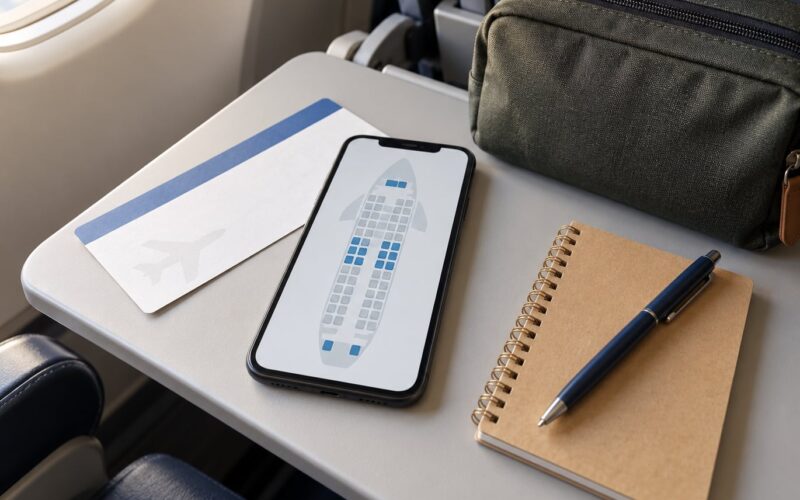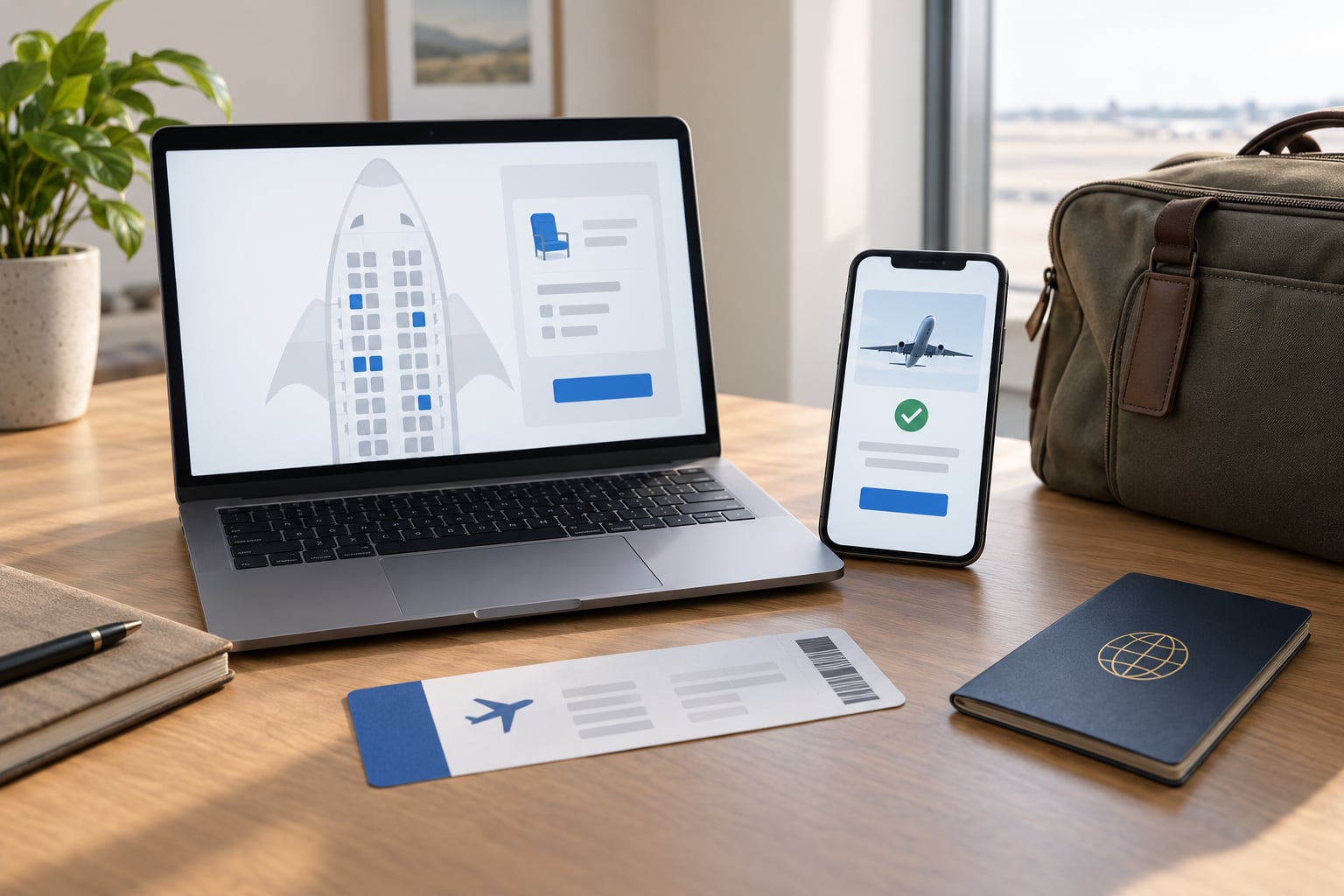
Yes, you can change your seat after booking, and the whole job takes about two minutes on most airline websites. Open the airline’s booking page or app, pull up your reservation with your booking reference, choose the flight you mean, pick a new seat on the seat map and confirm. If you are wondering how to change your seat after booking on a specific carrier, the steps are nearly identical everywhere, and the catch is timing: the option often closes 24 to 48 hours before departure, and it gets fussier once you have checked in online.
That timing rule catches people constantly. The seat looks fine on the morning of the flight, then check-in locks the map and you are stuck in a middle seat next to a lavatory while the window seats sit empty. Airline apps also have a habit of opening the wrong leg of a round trip, so a seat meant for the outbound flight gets assigned on the return.
This guide walks through how to change your seat after booking on any airline, then covers the parts that rarely get explained: what happens after check-in, whether you need a fresh boarding pass, and what to do when your preferred seat type is already sold out.
Table of Contents
- What You Need Before You Start
- How to Change Your Seat After Booking: Step by Step
- 1. Check Your Current Seat Assignment First
- 2. Open the Airline’s Official Booking Channel to Change Your Seat After Booking
- 3. Find the Seat Change or Manage Booking Option
- 4. Compare Available Seats and Any Fee
- 5. Confirm and Save the New Assignment
- 6. How to Change Your Seat After Check-In When Online Changes Fail
- What to Do If Your Seat Is Reassigned by the Airline
- Changing One Seat on a Multi-Passenger Booking
- Common Mistakes
- Tips for Getting the Best Seat
- Frequently Asked Questions
- Can I change my seat after I have already checked in?
- Do I need a new boarding pass if I change my seat?
- How much does it cost to change a seat after booking?
- How long before a flight can I choose or change my seat?
- Can I move to an empty seat once I am already on board?
- How do I change seats on a codeshare flight?
- Conclusion
What You Need Before You Start
You need five things, and four of them are already in your inbox or wallet.
The booking reference is the six-character code in your confirmation email, sometimes labelled PNR or record locator. The last name as booked matters just as much, because many airlines will not open a reservation without it.
Your itinerary detail matters more than people expect. A one-way booking is easy. On a round trip, the reservation holds two separate flight segments, and seat changes apply to one leg only unless you repeat the process for the other.
Have a payment method ready. Even when a change is free, some airlines route you through a payment screen and release the original seat only once the transaction clears.
Finally, know whether the seat you want needs eligibility. Exit row and bulkhead seats require you to confirm you can perform the associated safety duties, and they are frequently blocked to passengers travelling with a child in the same row.
How to Change Your Seat After Booking: Step by Step
1. Check Your Current Seat Assignment First
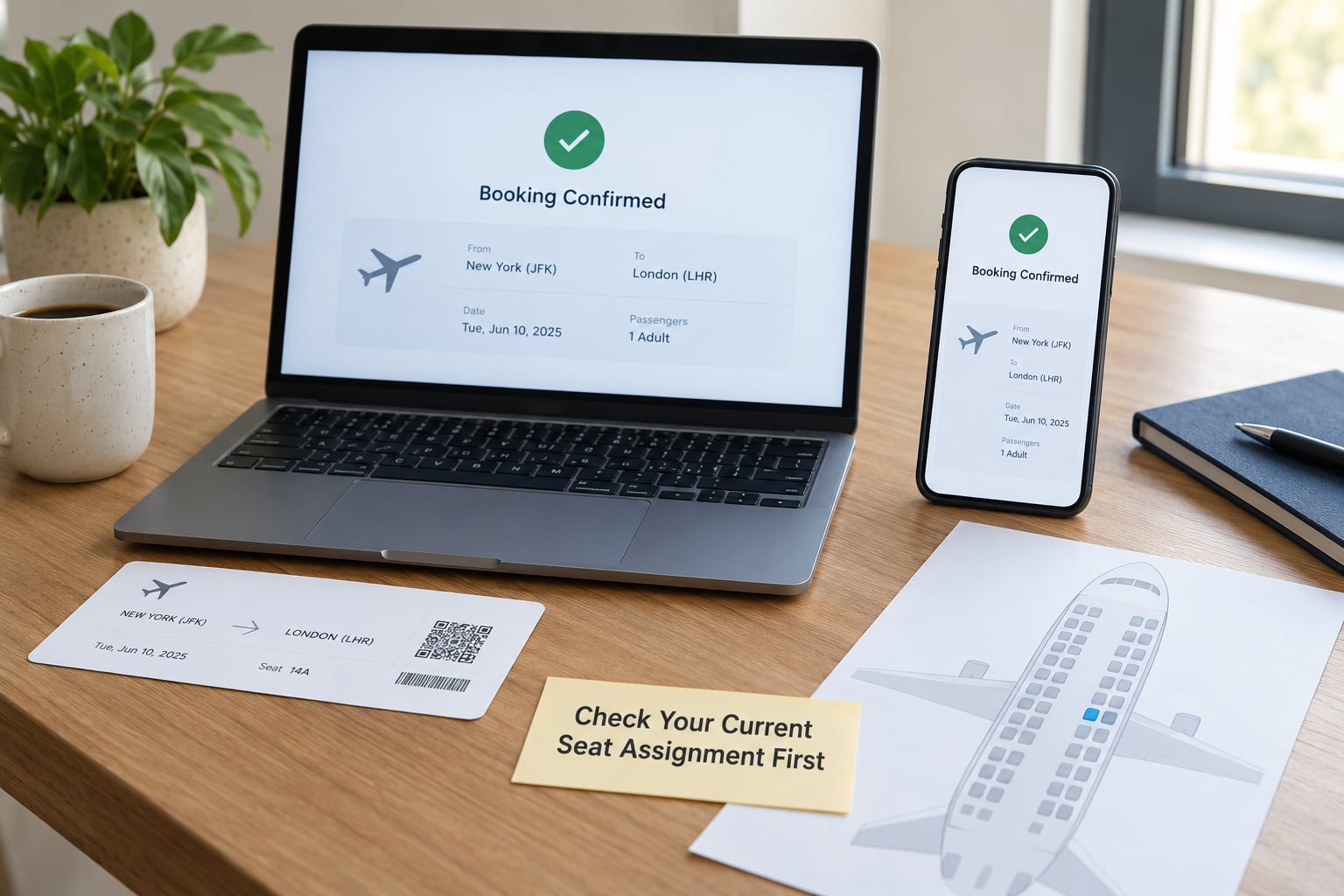
Open your booking record and read what you already have before you touch anything. Note the seat number, whether it was prepaid, and which flight segment it belongs to.
Prepaid seats deserve a special check. Forum users report cases where a paid seat reverted to the original assignment at check-in, and travellers on American Airlines in particular have described losing a purchased seat after online check-in completed. If you paid for a seat, confirm the payment shows on the reservation before you assume anything changed.
Check the fare class too. Flexible and premium economy fares frequently bundle free seat selection, while the cheapest basic economy buckets often do not include it at all, which changes what the seat map even shows you.
2. Open the Airline’s Official Booking Channel to Change Your Seat After Booking
Use the airline’s own website or mobile app. Third-party booking sites usually cannot change seats, and their booking references sometimes need a different lookup path entirely.
The menu label varies and that is normal. You will see Manage Booking, My Trips, My Bookings, Manage My Booking or Find My Trip depending on the carrier. KLM calls it My Bookings, and that naming pattern carries across most European carriers.
The app is usually faster once you are signed in, because the reservation sits in your account list instead of behind a reference lookup. The website gives you a fuller seat map with more seat detail, which matters when you are comparing legroom.
On a codeshare flight, expect a detour. The ticket may be sold by one airline and operated by another, and each has its own booking tool. Check the operating carrier’s site if the marketing carrier’s seat map looks empty or frozen.
3. Find the Seat Change or Manage Booking Option
Once your reservation is open, the seat control is usually one click from the flight segment. Look for a seat map icon, a Choose seats link, or an option buried inside passenger services.
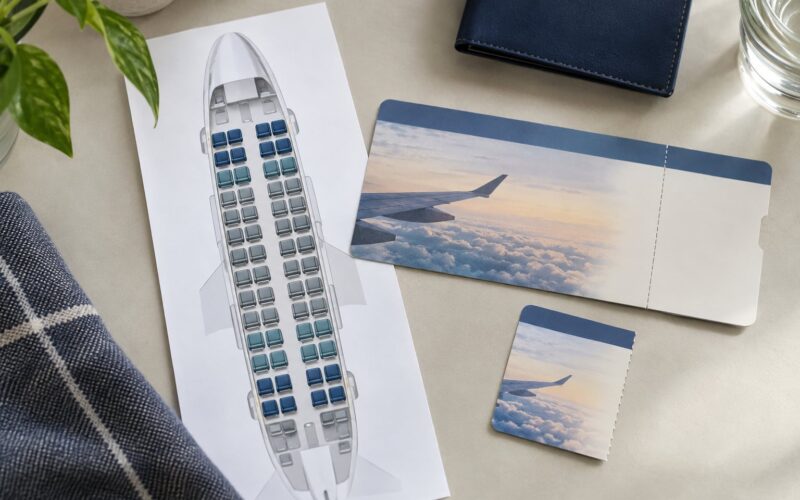
What you are looking for is a seat map that renders as a plane diagram with clickable rows. If you land on a page with text only, you are probably in the itinerary view and need to tap the flight segment itself to open the seat display.
Airline menus move around between app versions, and the control can hide behind a profile menu, a trip list or a hamburger drawer. If you cannot see it, the airline’s own search or help page is worth typing into the app search bar with the words seat selection.
4. Compare Available Seats and Any Fee
The seat map colours matter. Dark or marked seats are taken, lighter seats are open, and premium rows usually carry an extra charge shown when you tap them.
Here is what each seat type actually trades off.
- Window gives you the view and a wall to lean on, at the cost of climbing over a sleeping neighbour twice per flight.
- Aisle means easy legroom and no climbing, but more contact with the aisle, the attendant and the trolleys.
- Middle is the one everyone tries to avoid, and the cheapest seat on most maps.
- Bulkhead rows have extra legroom ahead of you, but no window in many layouts and often a bassinet spot beside a passenger.
- Extra legroom exit rows are the widest spaces, and they carry the most restrictions.
Exit row seats require you to confirm you are at least 15 years old, can lift the seat arm, and can operate the exit hatch. Airlines block them to passengers seated with a child, and to anyone with a mobility need that makes the emergency duties unworkable. If the map greys one out, that is the rule, not a glitch.
Before tapping, compare what you would lose. A seat directly in front of a lavatory queue, or behind a galley, brings noise regardless of window or aisle position. Bulkhead rows near galleys carry catering cart noise instead.
On fees, the honest version is that the cost varies by airline, route, fare class and seat type, and the amount appears on screen before you commit. Some carriers charge nothing for an ordinary seat change on most fares, some charge a flat selection fee for any seat, and some price by zone. Nobody will quote you a reliable figure before you are logged in, so check the total on the confirmation screen rather than trusting a range from a forum post.
One important distinction: a seat selection fee is not a fare difference. A fare difference applies when the seat belongs to a higher cabin or fare tier. A selection fee is the cost of choosing at all. Loyalty status, credit cards and premium fares often waive the selection fee but not the fare difference.
5. Confirm and Save the New Assignment
The final screen is where you find out whether it worked. It should show your new seat number, the flight date and leg, and either a payment total or a clear statement that no payment is due.
After you confirm, check three things before you close the tab.
First, the new seat number appears on the reservation itself, not just on a confirmation pop-up. Second, your confirmation email or app itinerary has updated. Third, if you had already generated a boarding pass, a new one has replaced it with the new seat printed on it.
FlyerTalk users report that on some airlines you can change seats as long as you keep the same confirmation number, and the original boarding pass stays valid. Others issue a fresh pass each time. Treating the updated itinerary as the source of truth covers both cases, and it is the behaviour Delta users describe when the app regenerates a boarding pass after a post-check-in switch.
Screenshot the confirmation. If the seat is not what you paid for at the airport, a dated record makes the conversation shorter.
6. How to Change Your Seat After Check-In When Online Changes Fail
This is where the process stops being self-service. Once check-in completes, some airlines lock the seat map, and the only route left is a person.
KLM states you can change flight and extra options online even after check-in, but you may have to cancel your check-in first. That workaround is the first thing to try: cancel check-in inside your reservation, reopen the seat map, change the seat, then check in again. The check-in counter reopens as normal, so the cost is a few extra steps.
If the map will not reopen, work through these in order:
- Airline app or website again, this time checking whether the seat control has moved into the check-in flow rather than the booking flow.
- Self-service kiosk at the airport, where seat maps often remain editable after online check-in.
- The check-in or service counter, before you join any queue for bags. Ask for a seat change, not a new boarding pass, and expect the agent to reprint the pass themselves.
- The gate agent, which is the last stop and the least reliable. Gate agents handle boarding, not seat refunds, and a full cabin often has no flexibility.
Say what you need in one sentence: your flight, your current seat, the seat you want and whether you paid for the one you have. Keep your confirmation number visible on your phone.
If your preferred seat type is sold out, ask about the alternatives in the same class before you accept a downgrade. Cathay Pacific is explicit that an unavailable seat type does not entitle you to a fare refund, and most carriers follow the same line. What you can usually recover is a seat selection fee you paid for a specific seat that the airline then took away.
What to Do If Your Seat Is Reassigned by the Airline
Airlines move passengers for a reason: equipment swap, a cabin layout change, or a crew requirement. TripAdvisor threads about unilaterally reassigned purchased seats are the most common complaint I see on this topic, and they rarely end in a refund.
What you can do is document the original seat, the purchase receipt, and the moment you noticed the change. Approach the counter as soon as you spot it rather than at the gate. If the airline moved you out of a seat you paid for, ask specifically about that seat fee, which is a much easier conversation than asking to be compensated for the whole trip.
Seat maps also shift when the aircraft changes. Check your reservation again 48 hours out and 24 hours out, because the whole map can be rebuilt on a different layout and your old seat number may no longer exist.
Changing One Seat on a Multi-Passenger Booking
Sitting next to your partner or family is the reason most people make this change, and it is the most frustrating one. Ryanair customers report that a single seat change through the app can require payment from every passenger on the booking.
Workarounds that people actually use: change all the seats together in one transaction rather than one at a time, call rather than use the app, or book the group again with the seats reserved. If you are moving a single traveller out of a group booking and the airline wants the whole party to pay, the phone call is worth twenty minutes.
Family seating is often held back rather than sold. Air France reserves family blocks until roughly two days before departure, and unaccompanied minors are usually seated near the front with specific rules about who can collect them. Check those policies before you assume the map shows everything available.
Common Mistakes
Changing the wrong leg of a round trip. Airline apps regularly default to the return flight, and Ryanair users in particular report buying a seat on the wrong segment. Confirm the flight date and route on the seat map header before you tap anything. Then reopen the itinerary afterwards to verify.
Assuming your seat is locked in once you have paid. A prepaid seat is a strong request, not a guarantee. Forum threads about purchased seats reverting at check-in are common enough that checking the reservation again the day before is worth two minutes.
Skipping check-in. The single most common mistake is waiting too long. Seat selection commonly closes 24 to 48 hours out, and Air France, for example, closes it 30 hours before departure. Every good seat on a full flight goes before the airport does.
Overlooking the fare class rule. Basic economy fares frequently exclude seat selection entirely, or charge for any change. If your fare does not include it, the option may be missing from the menu rather than broken.
Failing to verify the final itinerary. The confirmation screen is not the receipt. Open the booking record, confirm the seat number, and check that a fresh boarding pass exists if you had already checked in.
Waiting until the gate to fix it. By the gate the cabin is loading and options are whatever happens to be empty. The counter, not the gate, is where a seat change is still routine.
Tips for Getting the Best Seat
Move early, then check again. The good window seats go in the first hours after booking opens, the refunds release later, and a last check 48 hours out catches aircraft swaps.
Pick the seat you will actually be happy in. A window in the middle of the cabin beats an exit row by the galley. Sit near the wing for the shortest walk and the smoothest ride; sit at the front for overhead space and quicker deplaning, and accept the engine noise trade.
Use the middle-seat trick. The best time to ask for an empty middle seat is at the gate, once boarding has passed the people who wanted seats. Stand near the end of the jet bridge, wait until the row is down to one or two passengers, and ask politely. Most attendants pass the request along; none of them can guarantee it. It works far more reliably on evening and off-peak flights.
Avoid the noise zones. Lavatory queues, galleys and the exit rows nearest the wing all have a predictable downside. Tap the seat on the map and read the detail text before committing.
Know when saying no is fine. If someone on board asks to swap, you are entitled to decline. A short, cheerful no works: “Sorry, I’m settled.” If the row really has three empty seats, the middle one is a courtesy move most people accept.
Change seats after check-in if the airline allows it. Delta users report that the seat map stays editable in the app after check-in, with a new boarding pass generated. Other airlines lock it. Try, then move to the counter.
Frequently Asked Questions
Can I change my seat after I have already checked in?
Sometimes yes, sometimes no. Many airlines lock the seat map once online check-in completes, but others, Delta among them, keep it editable and simply reissue the boarding pass. If the map is closed, cancel your check-in inside the reservation, reopen the seat map, change the seat and check in again. If that fails, the airport kiosk or the check-in counter is the next stop.
Do I need a new boarding pass if I change my seat?
Treat it as though you do. Most airlines reissue one automatically after a change, with the new seat printed, and a few send it to the same email address as your original. Some, according to FlyerTalk users, let you keep the original pass because the confirmation number has not changed. Either way, pull up the newest boarding pass in the app before you reach security so the scanner sees the right seat.
How much does it cost to change a seat after booking?
It depends on the airline, the route, your fare class and the seat type. Some carriers charge nothing for an ordinary seat on most fares, some apply a flat seat selection fee to any seat, and some price by zone. A fare difference is separate and applies when the new seat belongs to a higher cabin. The total is always shown on the confirmation screen, so check there rather than relying on a figure from a forum post.
How long before a flight can I choose or change my seat?
Most airlines close online seat selection 24 to 48 hours before departure, and some close it earlier. Air France, for example, closes it 30 hours before departure. Advance seat reservation is also first-come, first-served, so the popular rows disappear long before the deadline. After check-in opens, your options narrow further to whatever the airline still allows, which is why moving early gets you the seat you actually want.
Can I move to an empty seat once I am already on board?
You can ask, and you will often be allowed if the seat is genuinely empty and the seatbelt sign allows movement. The crew make the final call and may ask you to return to your assigned seat, particularly during taxi, take-off, landing and turbulence. The cleanest time to ask is after boarding has passed your row. Nothing in the booking system updates, so do not expect a refund or a receipt for a seat you paid for on the ground.
How do I change seats on a codeshare flight?
A codeshare ticket is sold by one airline and operated by another, and each runs its own booking tool. Start with the marketing carrier’s site, then try the operating carrier if the seat map looks empty, frozen or lacks the rows you expect. Seat numbers and layouts can differ between the two systems. If neither shows your reservation, contact the airline that issued the ticket, since they hold the passenger record.
Conclusion
How to change your seat after booking comes down to one habit: open the official booking record, confirm which leg and fare you are on, then compare the open seats and the total shown before you commit. If the map will not open, cancel check-in and try again, then head to the kiosk or the counter rather than the gate. Do it days ahead, not on the morning of the flight, because that is the whole difference between a window seat you chose and one you were given.