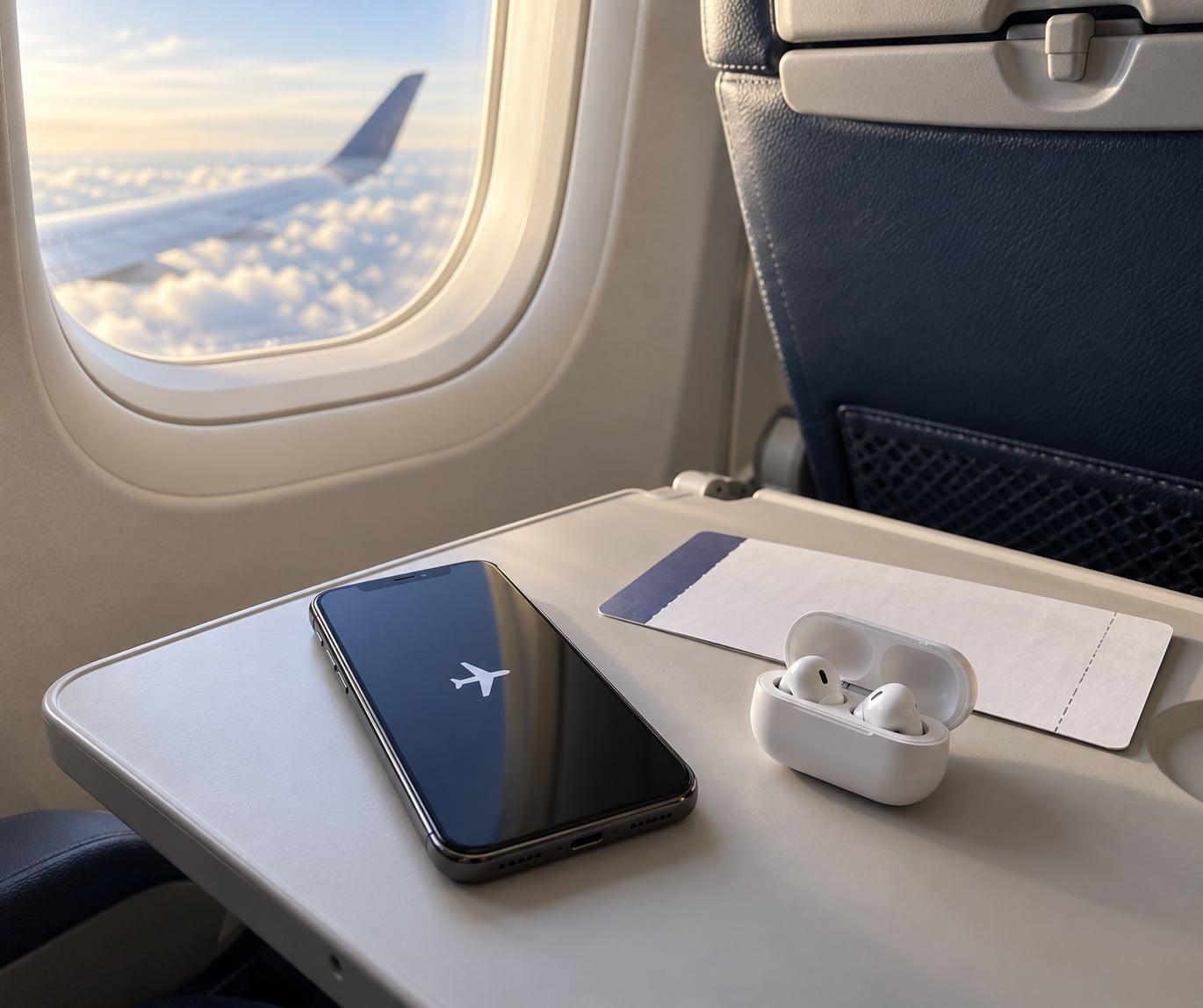
Airplane mode is a setting on your phone, tablet, or watch that powers down the cellular radio so it stops searching for cell towers. That matters in the air because at cruise altitude a phone boosts its transmitter to reach distant towers, and those transmissions can add noise to aircraft and cockpit radios. On a flight, the setting switches cellular off and leaves Wi-Fi and Bluetooth under your control.
Most of the confusion comes from one thing: airplane mode touches the cellular radio, not everything wireless. So a pair of Bluetooth earbuds still works once you flip the second switch. Everything else follows from that one distinction.
Table of Contents
- What Airplane Mode Is
- How Airplane Mode Works on a Flight
- How Airplane Mode Works on a Flight in Practice
- What You Can Still Do with Wi-Fi and Bluetooth
- When to Turn It On and What to Do If It Does Not Work
- Frequently Asked Questions
- What happens when your phone is on airplane mode and someone calls you?
- Do you actually need to use airplane mode on a plane?
- Can I use Wi-Fi and Bluetooth while airplane mode is on?
- Can someone tell if my phone is in airplane mode?
- When should I turn airplane mode off before landing?
- Conclusion
What Airplane Mode Is
Airplane mode, called flight mode on most non-US phones, is software that disables a device’s cellular radio. It does not close apps, wipe anything, or put your phone offline from every network. It simply tells the modem to stop.
Crews ask for it because of how radios behave at altitude, and because a silent phone cannot ring during a safety briefing. Beyond that, passengers get two side benefits: less battery drain and no surprise roaming charges on an international trip.
Here is what it does and does not touch on a modern phone or tablet.
| Function | While airplane mode is on | What you can do |
|---|---|---|
| Cellular radio | Off | Nothing, until you turn airplane mode off |
| Wi-Fi | Off by default | Turn it on separately to join airline Wi-Fi |
| Bluetooth | Off by default | Turn it on separately for headphones |
| GPS | Usually still works | Maps, tracking, alarms run normally |
| Wi-Fi Calling | Unavailable | Needs cellular, so it stays off |
| Alarms, downloads, offline media | Unaffected | Play and schedule as you normally would |
How Airplane Mode Works on a Flight
How airplane mode works on a flight comes down to one switch: the cellular transmitter stops. With that radio powered down, the phone no longer hunts for a cell tower, no longer transmits, and no longer boosts its power trying to reach a network it cannot have.
That power boost is the part people find surprising. A phone sitting on the ground reaches a tower a few miles away. At 35,000 feet, the same phone can see hundreds of towers far below it, so it pushes its transmitter harder, over and over, for the whole flight. Users on forums describe the effect as the biggest battery win of any long-haul setting, and it is also why phones left on can pick up a cell station at cruise altitude near dense coverage.
The safety concern is interference and distraction, not catastrophe. No documented airline crash has ever been caused by a passenger device. Aircraft avionics are shielded and certified to stringent FAA and EASA standards, so a single phone will not down a plane. What regulators and crews actually worry about is unshielded noise reaching cockpit radios during the busiest phases, takeoff and landing, where it can compete with air traffic control communication.
The mechanism in five steps:
- You tap airplane mode, and the cellular radio powers down.
- The phone stops scanning for cell towers and stops attaching to any network.
- Transmissions end, so the boosted-power searching that happens at altitude stops with it.
- Separate radios, meaning Wi-Fi, Bluetooth, and GPS, follow their own switches.
- You switch Wi-Fi or Bluetooth back on individually if the crew has said it is allowed.
Rules have loosened over the years. The old blanket ban predates modern equipment, and both FAA and EASA guidance now allow short-range devices such as Bluetooth and Wi-Fi to be used in cabin under crew instruction. What you hear today is usually a request to put devices in airplane mode for taxi and takeoff, and a note that Wi-Fi and Bluetooth are fine once airborne.
How Airplane Mode Works on a Flight in Practice
On an iPhone or iPad, swipe down from the top right corner to open Control Center and tap the airplane icon. On any iOS device you can also find it in Settings, where the toggle sits at the very top of the list.
On Android, pull down twice from the top of the screen for Quick Settings and tap the airplane icon, or the label may read flight mode depending on your phone maker. The same toggle is in Settings, usually under Network and internet or Connections.
For laptops, Windows puts the switch in the system tray next to the Wi-Fi and speaker icons. Mac laptops have it in Control Center or the menu bar on newer models, and older versions sit under the Wi-Fi menu in System Preferences.
Watches inherit the setting. An Apple Watch usually mirrors airplane mode on from the paired iPhone, though you can toggle flight mode from Control Center on the watch itself.
When the crew asks, the sequence is the same every time. Devices to airplane mode for takeoff, screens up for the briefing, then Wi-Fi and Bluetooth on once you have permission. What you will not normally get is a device-by-device inspection.
What You Can Still Do with Wi-Fi and Bluetooth
Wi-Fi and Bluetooth are short-range radios, which is exactly why regulators treat them differently from a cellular radio. A Bluetooth connection reaches a few meters, to your headphones. A Wi-Fi connection reaches a few tens of meters, to the router in the cabin ceiling. Neither is trying to shout at a tower 200 miles away.
So the pattern for most flights is airplane mode on, then Wi-Fi and Bluetooth on. In-flight Wi-Fi comes in two forms, and the difference is worth knowing. Some aircraft carry an onboard picocell, a low-power mini cell that lets phones with cellular service connect at low altitude and use their own plan. Others rely on satellite links broadcast to a router on the aircraft, which is what most long-haul Wi-Fi is.
Picocell service means your phone can work without leaving airplane mode, because the connection is handled locally and at low power. Satellite Wi-Fi asks you to leave airplane mode on and join the cabin network instead.
Anything offline keeps running no matter which mode you are in. Downloaded films, podcasts, e-books, offline maps, alarms and timers all behave normally. If you need to stay sharp or get through a red-eye, airplane mode also stops notifications from interrupting you, which travelers mention more than the battery savings.
When to Turn It On and What to Do If It Does Not Work
The habit that works best is switching it on before you board, while you still have signal for your boarding pass and messages. Waiting until the doors close is what leaves you fumbling when the announcement starts.
A good sequence looks like this:
- Before boarding, download anything you want offline and put every device into airplane mode.
- At the gate and during boarding, leave the mode on and keep screens off or on stand-by when instructed.
- After takeoff and the cabin announcement, turn Wi-Fi on and join the airline network if you want it.
- Turn Bluetooth on for headphones, at the same time.
- Before landing starts, turn airplane mode off if you want messages and your boarding pass back for the gate.
That last step matters more than people expect. Switching airplane mode off after landing triggers a burst of queued texts, alerts, and missed-call notices all at once, and it is the single most common complaint in travel forums. Ten minutes before descent is early enough to clear most of it.
If something does not work:
- No Wi-Fi network visible: confirm airplane mode is on and Wi-Fi is on separately, then check that the airline network is genuinely available. Many carriers only broadcast above a certain altitude, and some charge only on certain cabins or plans.
- Bluetooth headphones will not pair: the headphones usually need airplane mode on plus Bluetooth on. Put them in pairing mode again after Bluetooth switches on, since they often disconnect during the flight.
- Airplane mode will not turn off: a device-management profile or a parental control can lock the setting. Restart the device, or check Settings for a restriction. On some watches the mode cannot be changed without the paired phone.
- Nothing works and you are still on the ground: toggle airplane mode off and on again, which restarts every radio, then reconnect Wi-Fi manually from the network list.
One regional note. Announcements differ by regulator and airline, and enforcement varies by crew. Some cabins announce airplane mode every single flight; others never mention it. The safe default is to follow the crew’s wording rather than assume.
Last reviewed in 2026. Guidance is drawn from FAA and EASA framework and standard device behavior; specific airline rules vary, so always follow your crew.
Frequently Asked Questions
What happens when your phone is on airplane mode and someone calls you?
The call never reaches your phone. With the cellular radio off, your number looks unreachable to the caller, so most phones are diverted straight to voicemail. You will not see a missed-call entry until you turn airplane mode off and the phone reconnects to a network. FaceTime, WhatsApp, and video calls behave the same way, since all of them need a data connection.
Do you actually need to use airplane mode on a plane?
You are asked to, and it is the sensible default even though the old fear is overstated. No documented airline crash has ever been caused by a passenger device, and modern avionics are shielded and certified to strict FAA and EASA standards. The real reasons are avoiding radio noise near cockpit frequencies, stopping a phone from ringing during the briefing, saving battery, and avoiding roaming charges.
Can I use Wi-Fi and Bluetooth while airplane mode is on?
Yes. Airplane mode only kills the cellular radio. Once it is on, turn Wi-Fi or Bluetooth on separately using their own switches and you can connect to the airline network or your wireless headphones. Many crews allow both once you are airborne, and tell you to switch them off again during taxi and takeoff. Some carriers offer cellular service through an onboard picocell, which also runs while airplane mode stays on.
Can someone tell if my phone is in airplane mode?
No, not from outside your device. There is no signal a person or an airline can detect to confirm the setting is on. Cabin crew cannot scan the cabin for phones in airplane mode, and enforcement is based on announcements and observation rather than a technical check. Switching your phone on by accident during the briefing is the usual reason anyone raises it.
When should I turn airplane mode off before landing?
Turn it off before the descent and the cabin announcement, roughly ten minutes out. That gives the phone time to reconnect so your boarding pass, messages, and ride details are available at the gate. Switching it off after the wheels touch sends a burst of queued texts and missed-call alerts all at once, which regular flyers describe as the most annoying part of the whole trip.
Conclusion
Turn airplane mode on when the crew asks, or before takeoff if you want it handled early. Leave the cellular radio off for the whole flight to save battery and dodge roaming charges, and switch Wi-Fi and Bluetooth back on yourself once you have permission. Ten minutes before descent, turn it off again so your boarding pass and messages are waiting at the gate.